Home › Body Cameras
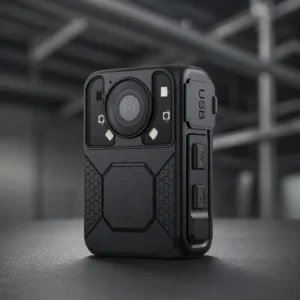
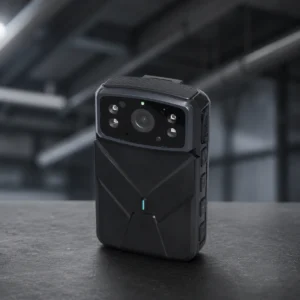
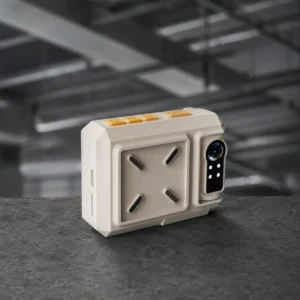
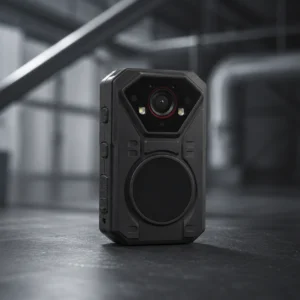
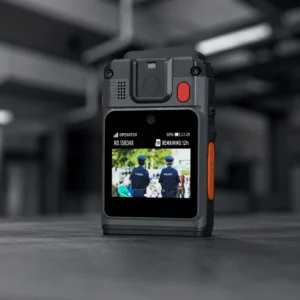
Every body camera we sell in the UAE and across the GCC, from offline units that upload over Wi-Fi or at the dock, to models that stream live over 4G and 5G.
Vehicle cameras sit alongside them, so a frontline team and its vehicles can be specified in one pass. If the fleet is the operation, start with body cameras for transport fleets. Everything here is supplied and supported by the same team in Dubai.
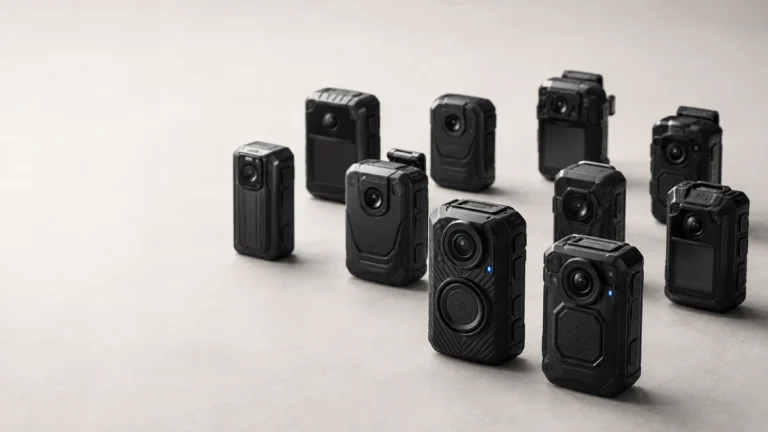
Buy body cameras, vehicle cameras, docking stations and accessories from one catalogue. Pick a range first, then filter it down.
No product matches that combination. Loosen one of the filters, or tell us the deployment and we will specify against it.
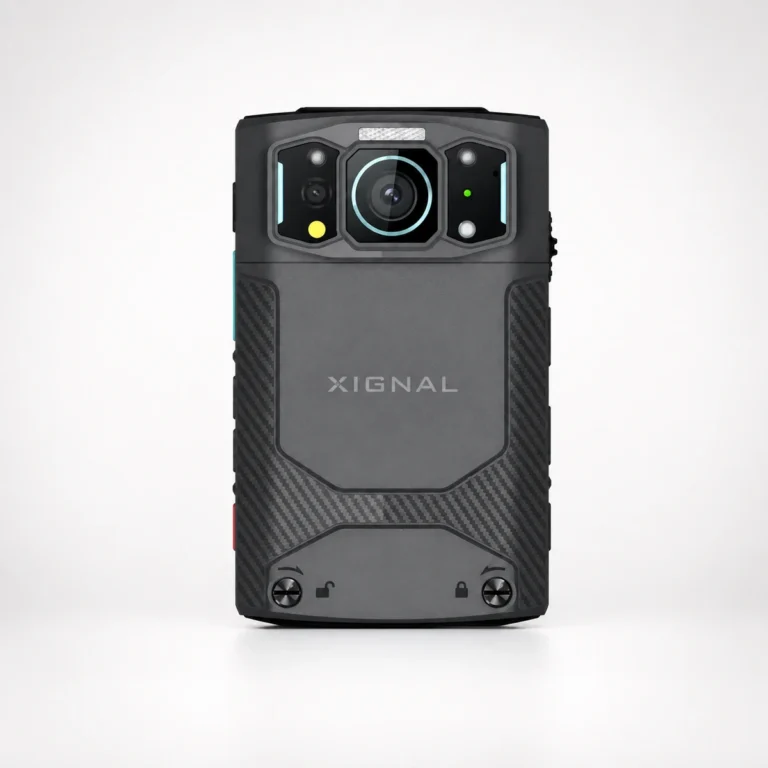
5G4KSwappable
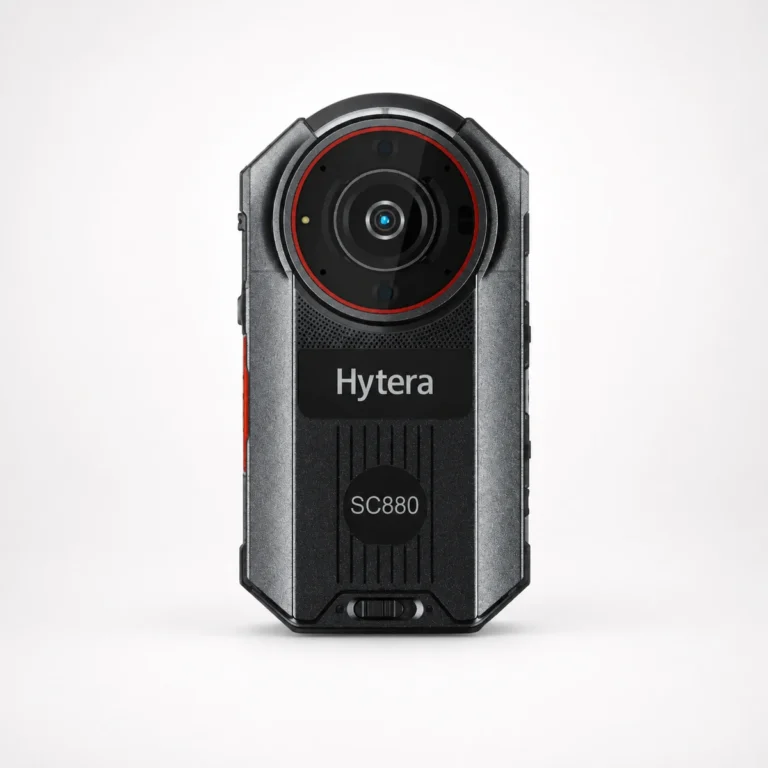
5G4KHot-swap
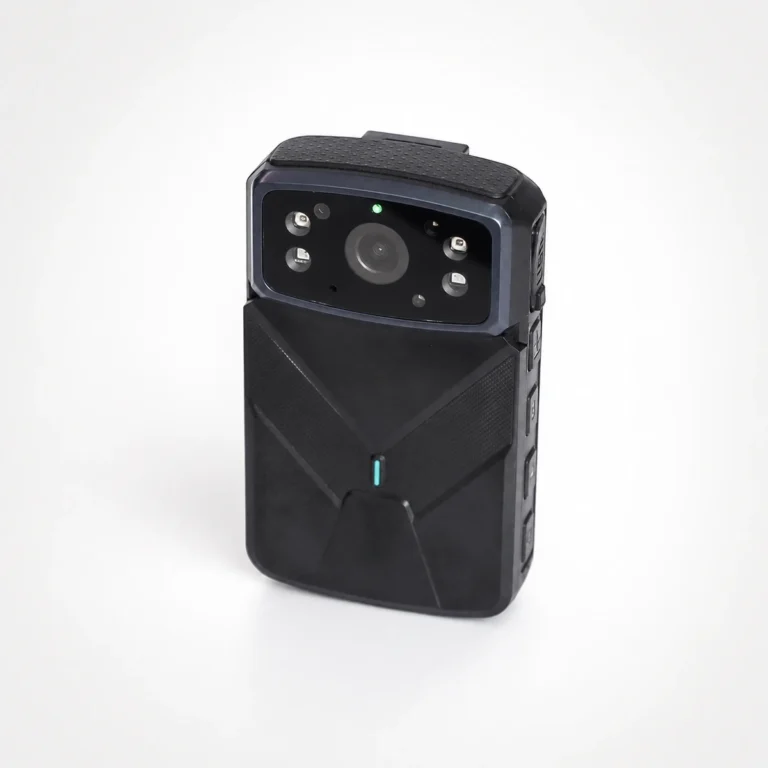
4G2KSwappable
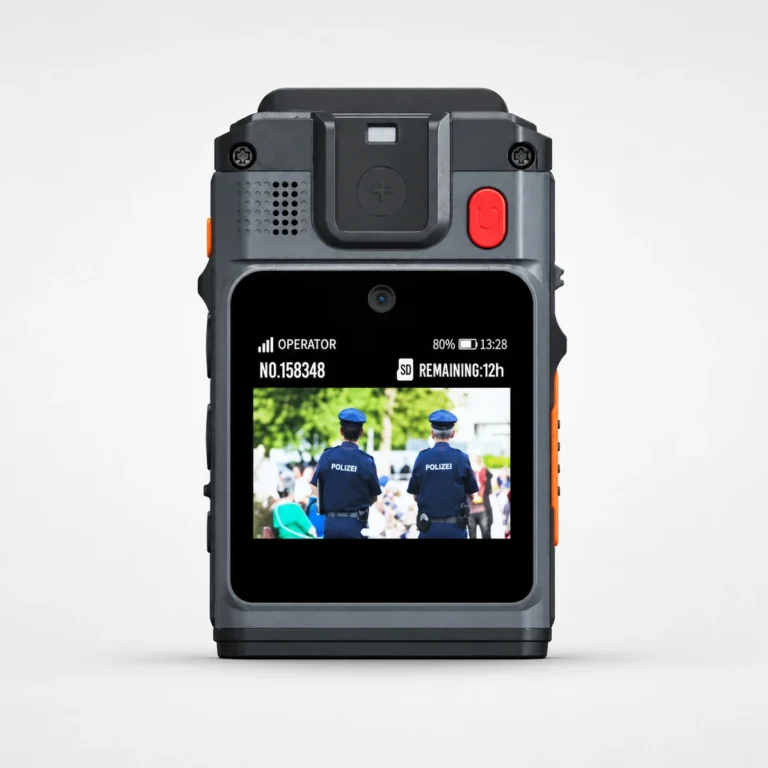
4GDual camera16MP
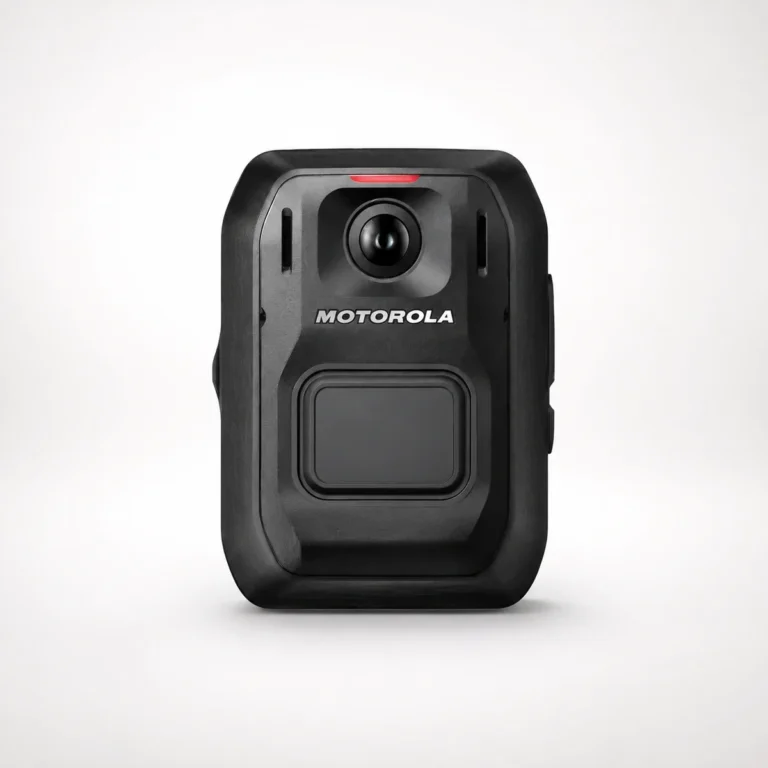
4G LTE1080pIP67
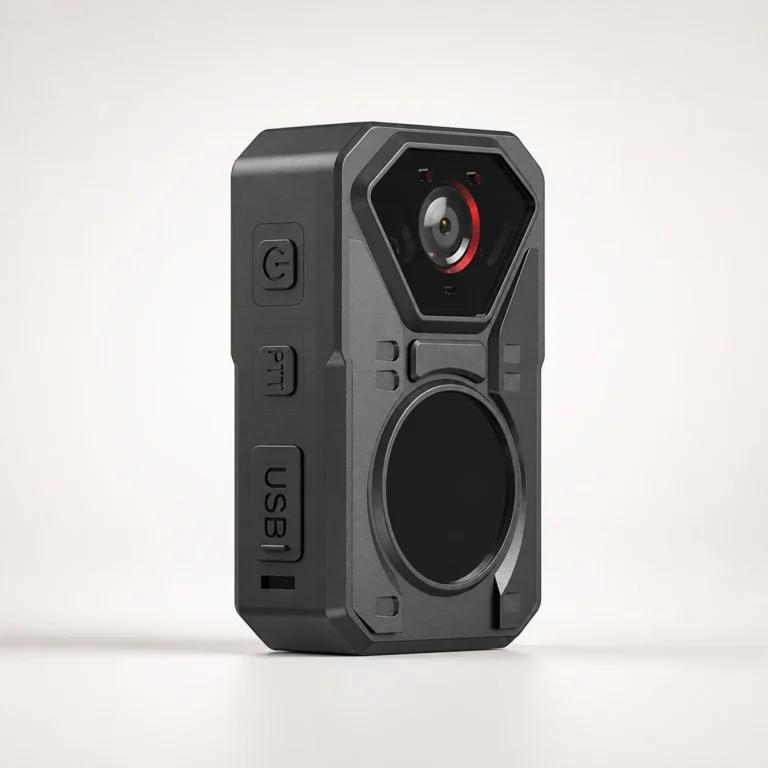
4G1080pIntercom
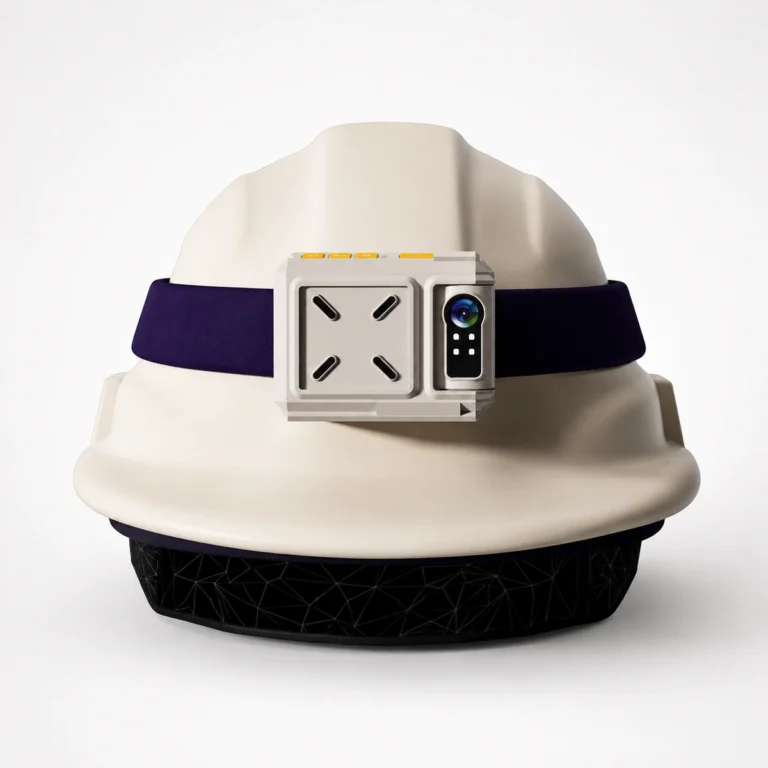
4GHelmet1440p
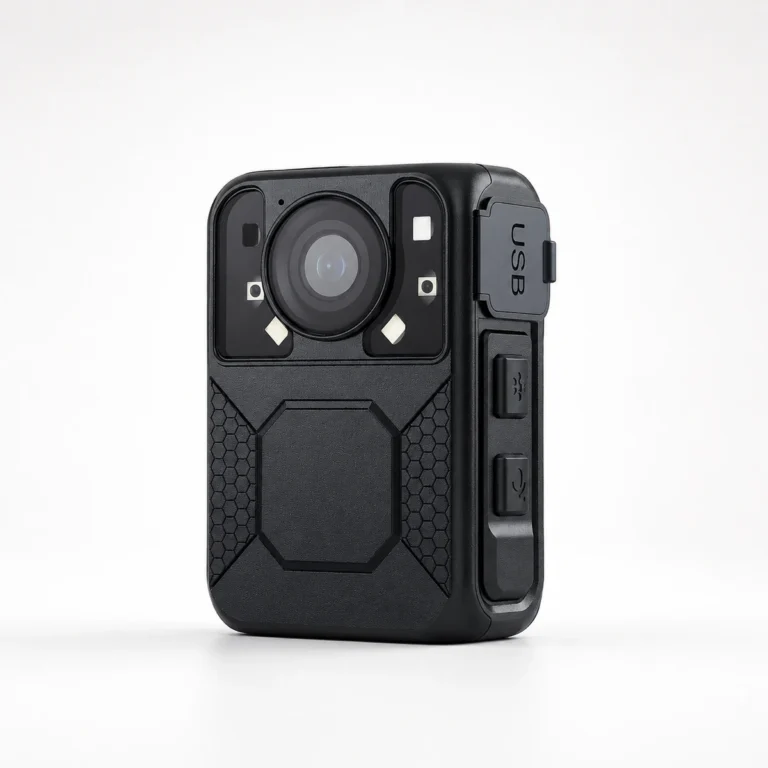
Offline & Wi-Fi140°1296p
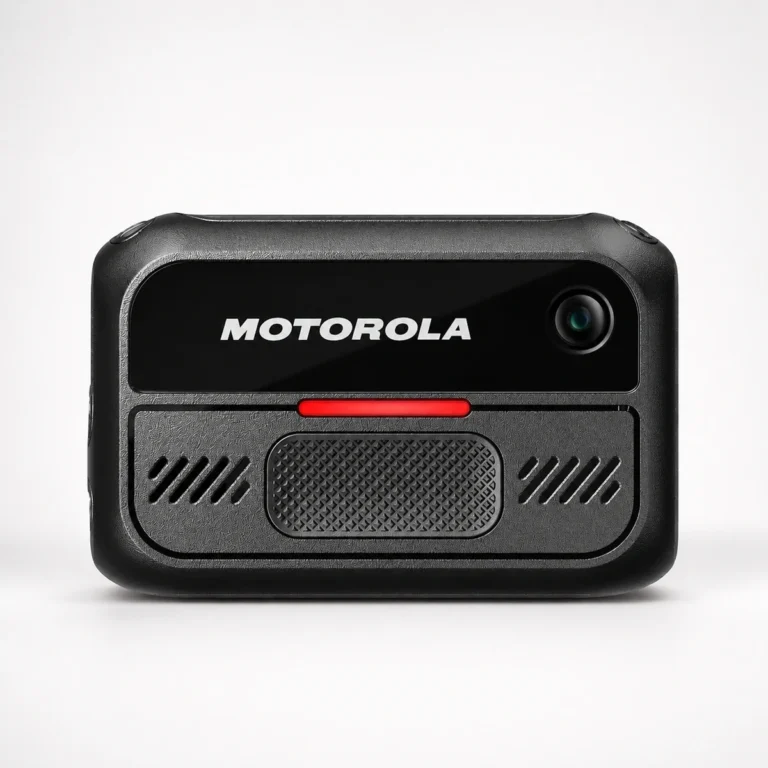
Offline & Wi-Fi720pMIL-STD
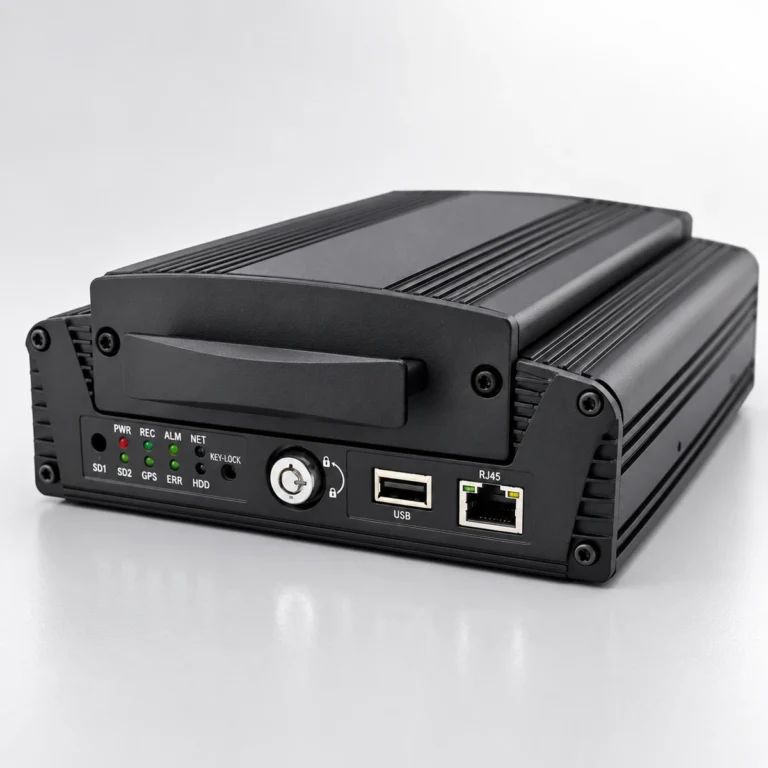
8 channelHDD4G
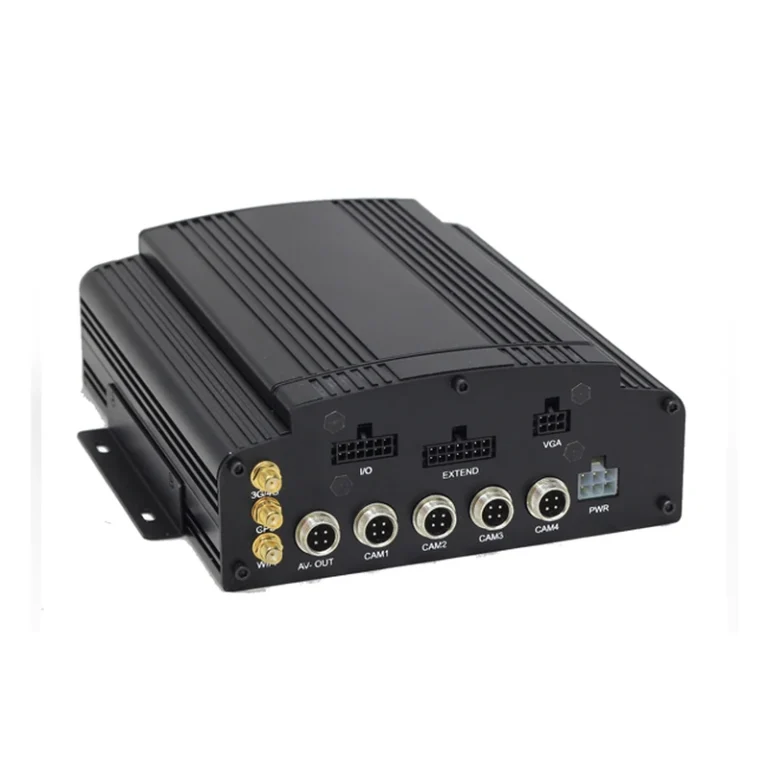
4 channelHDD4G
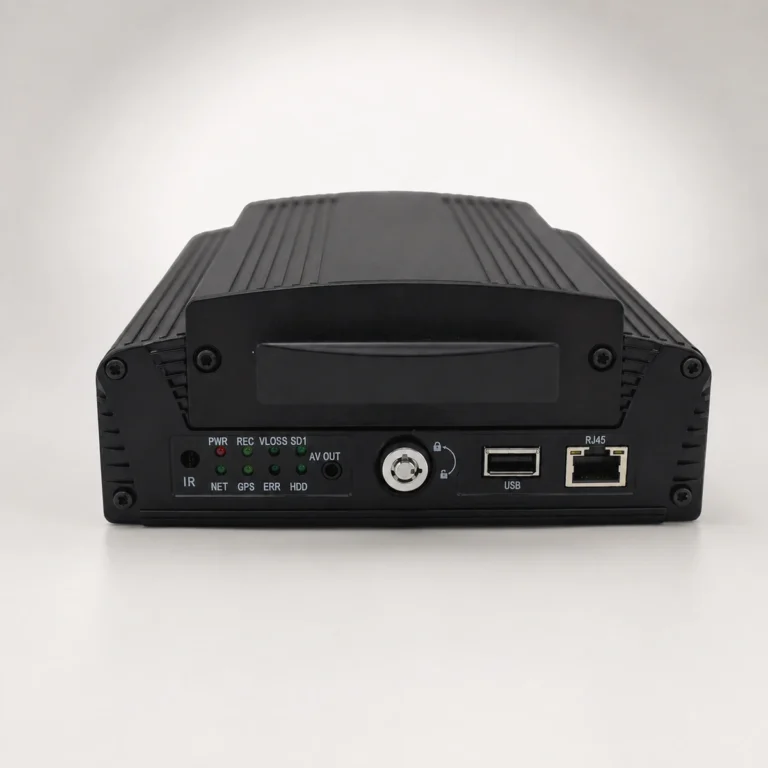
4 channelHDD720p
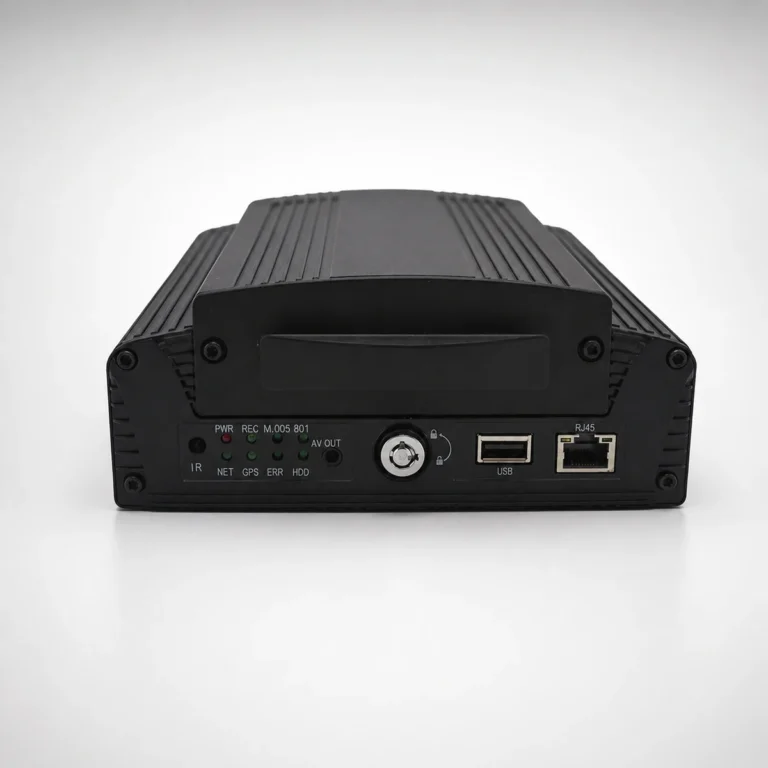
12 channelIP + AHDONVIF
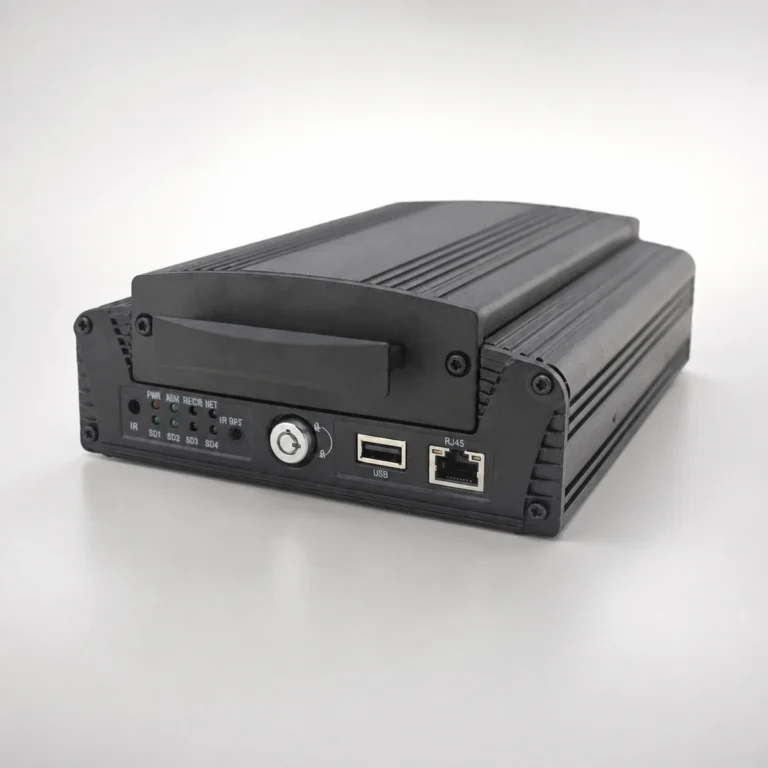
8 channelIP + AHDONVIF
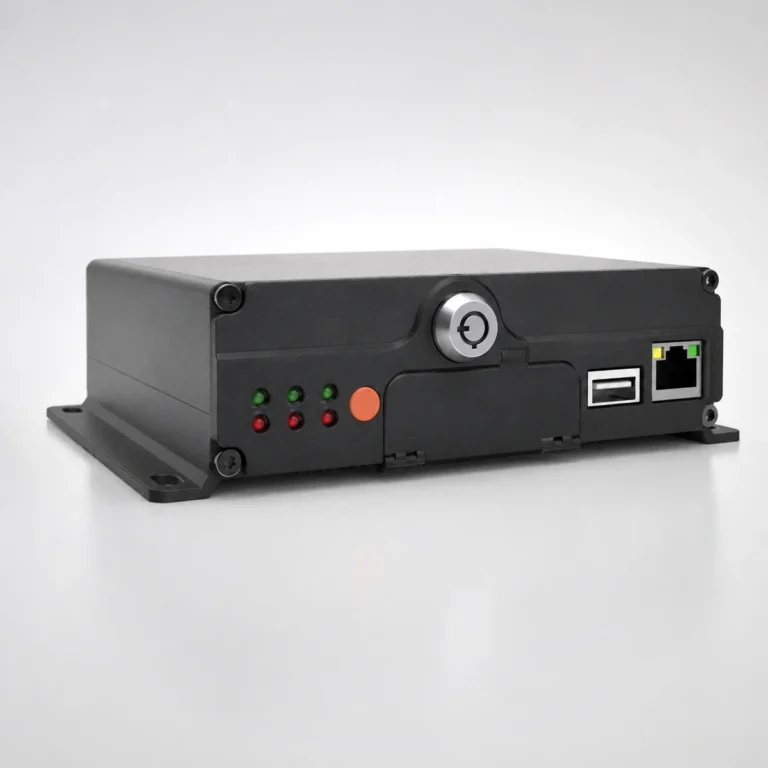
4 channelSD cardADAS + DSM + BSD
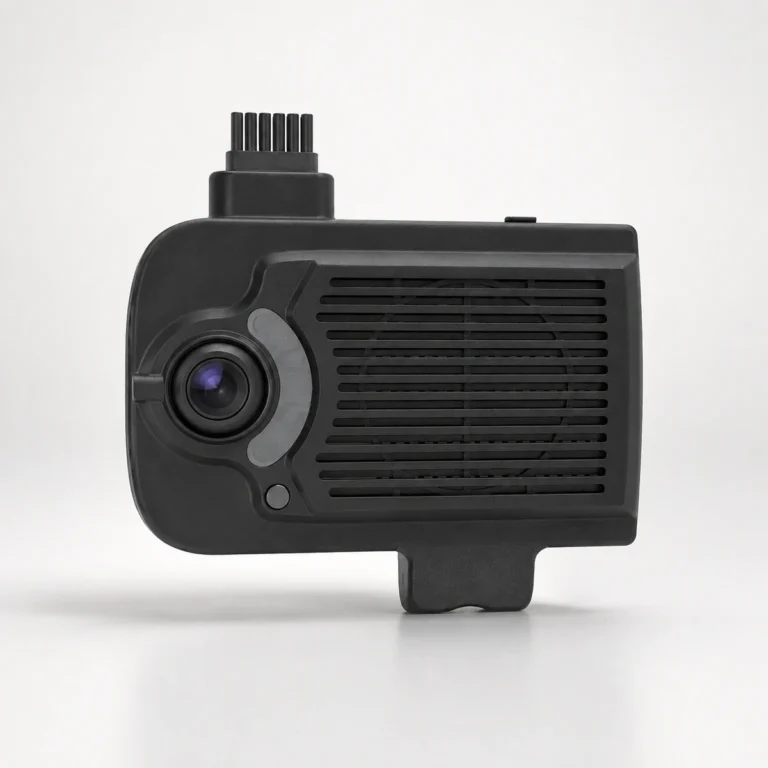
4 channelSD card4G
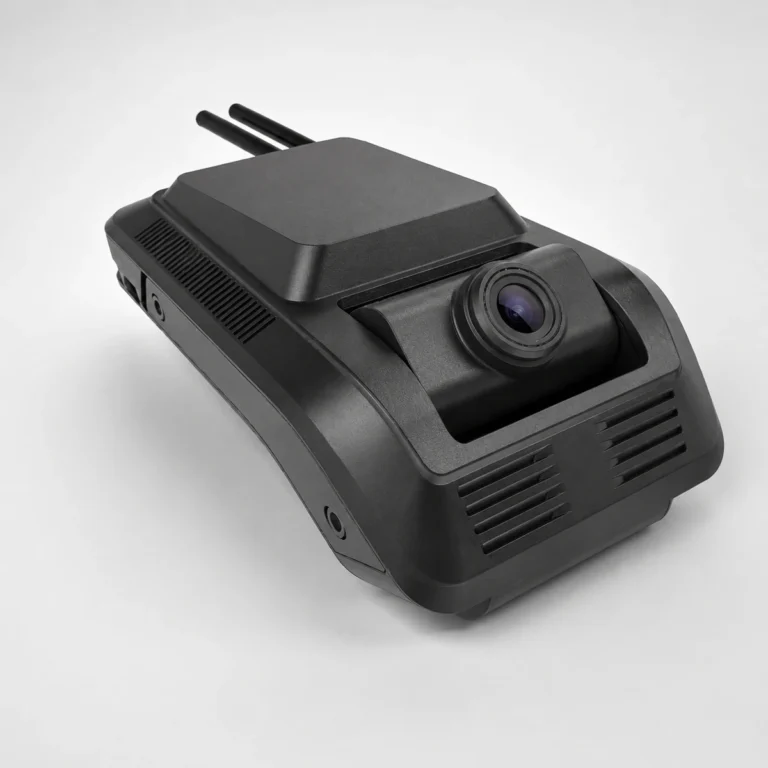
4 channelSD cardH.265
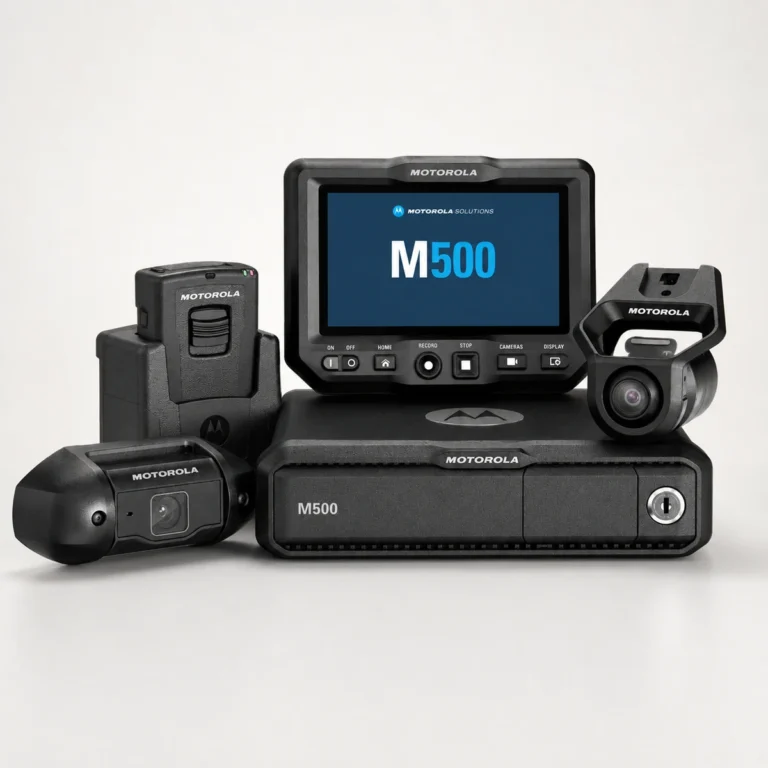
5 cameras4K frontPlate recognition
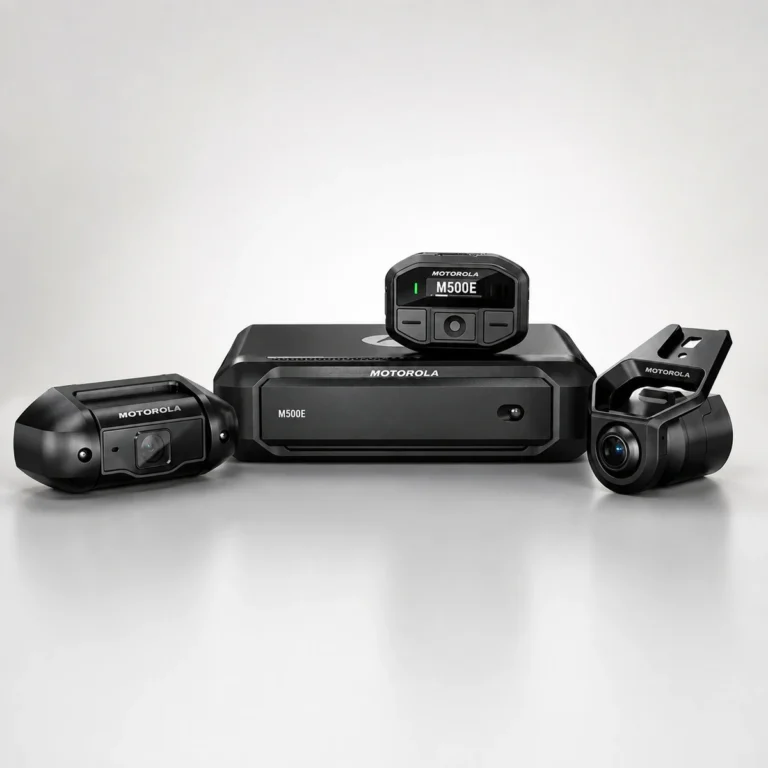
2 camerasSD cardWi-Fi
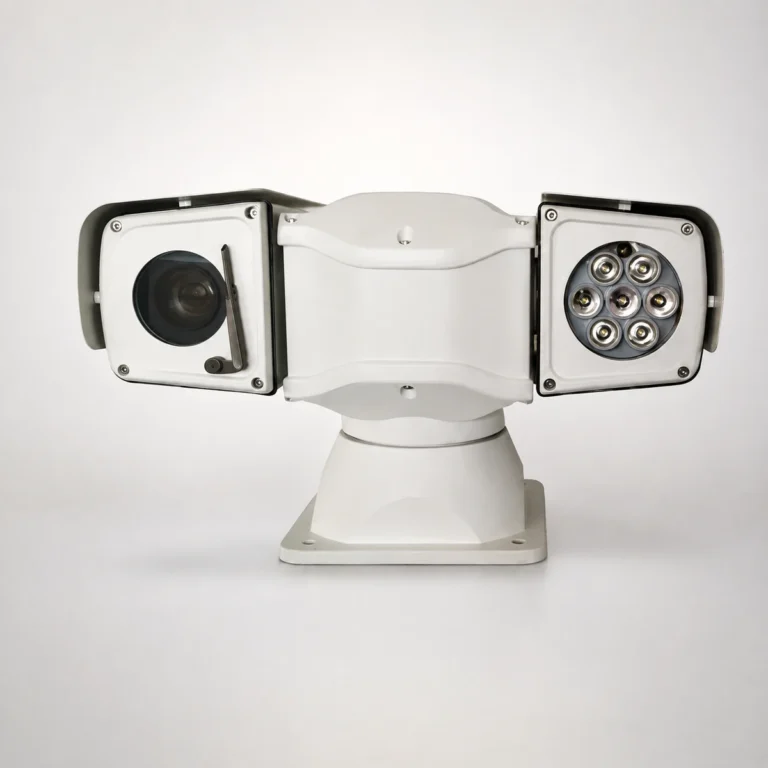
PTZAHD or IPVehicle mount
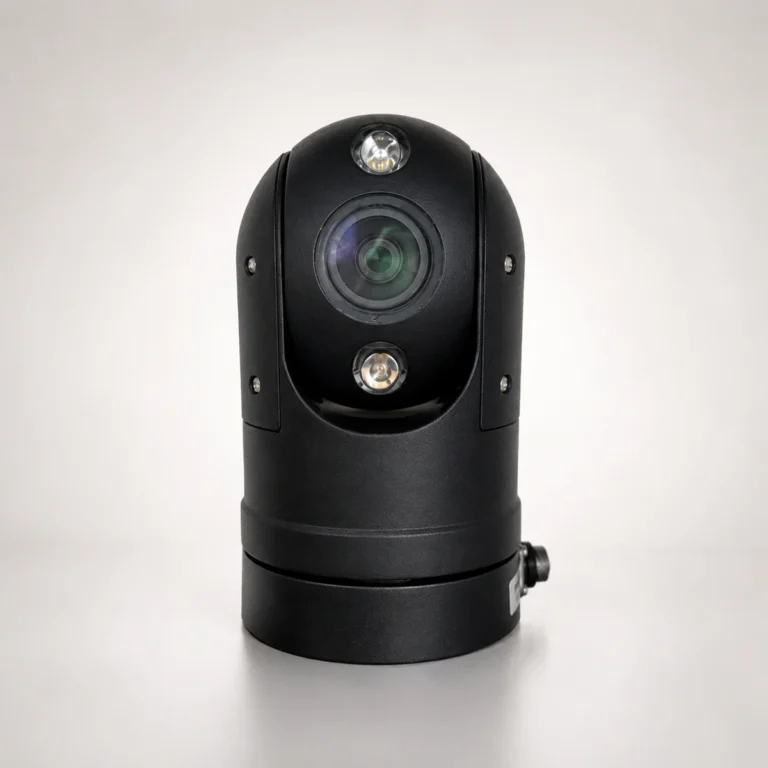
PTZFast presetsVehicle mount
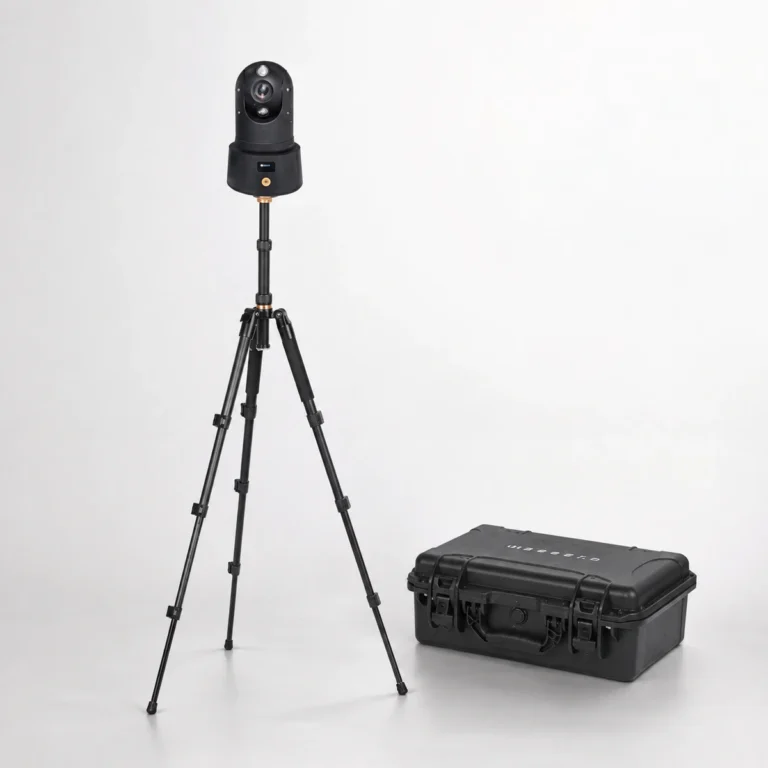
PTZBattery4G
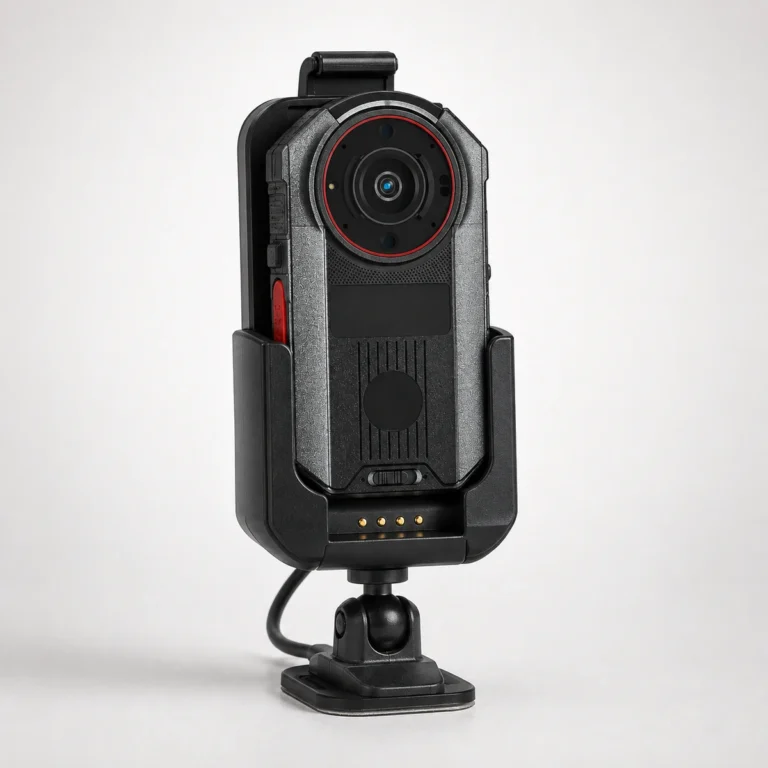
Body camera5GVehicle mount
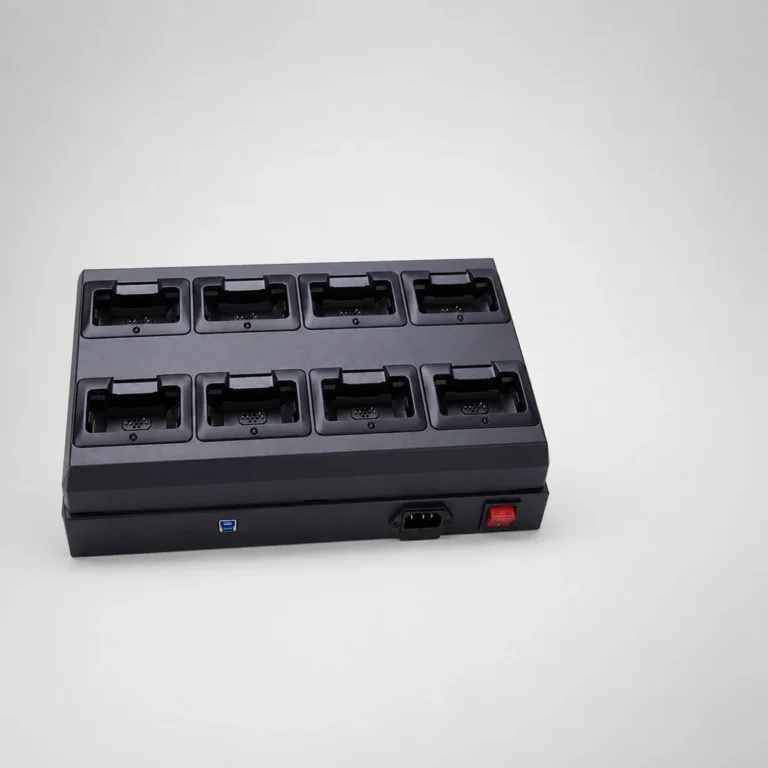
8 bays
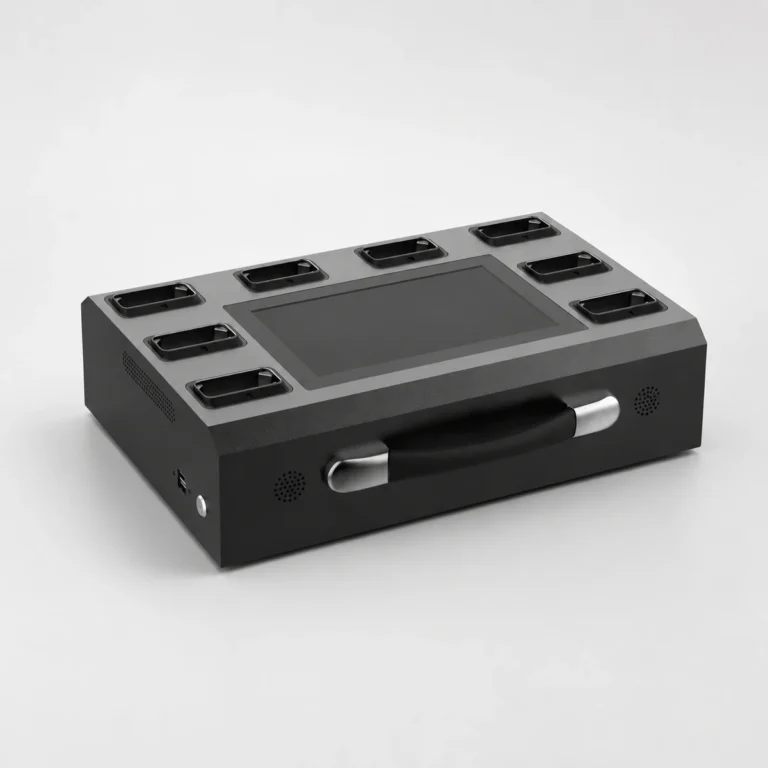
8 baysScreen
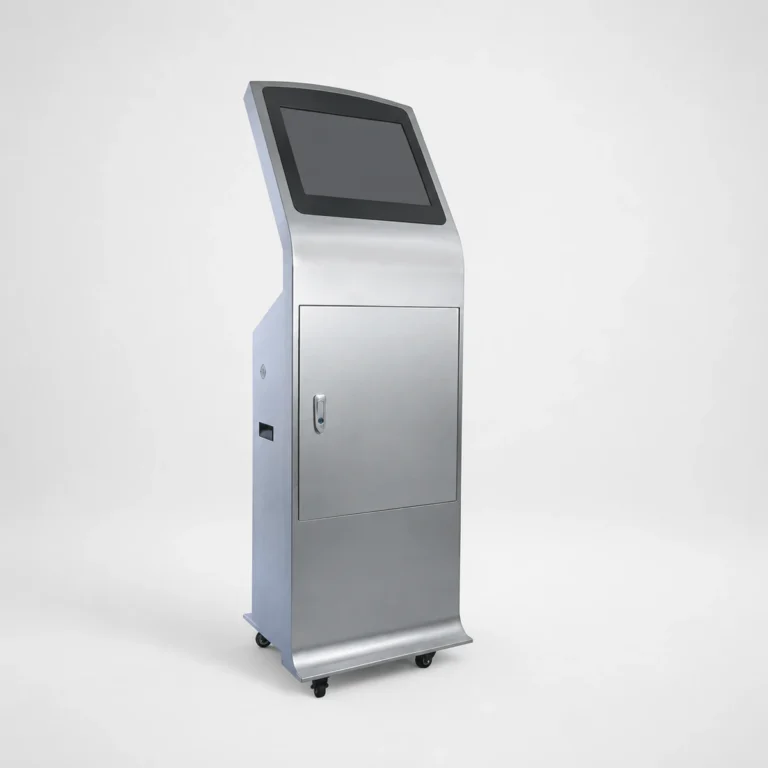
20 portsScreen
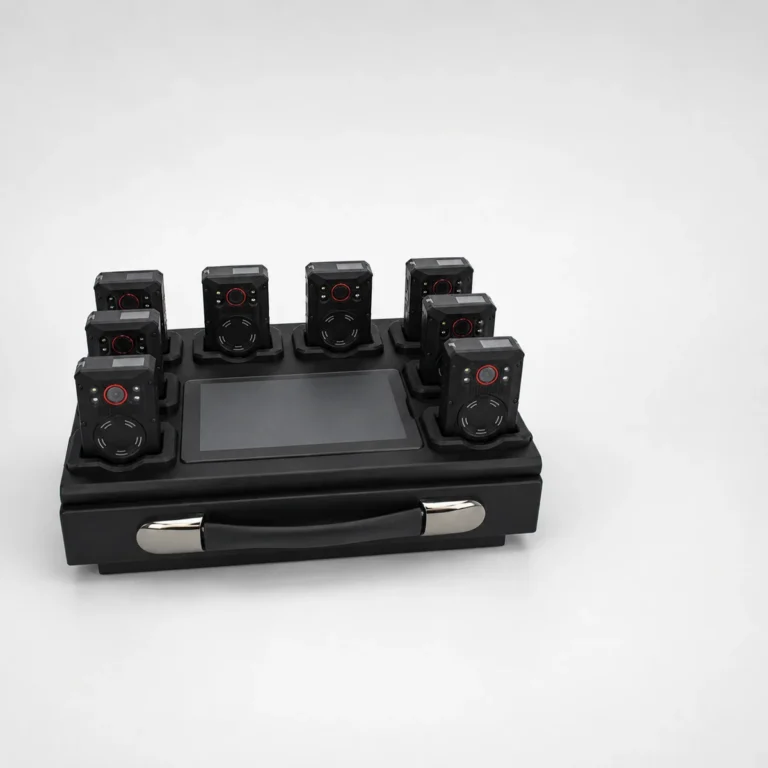
8 baysScreen
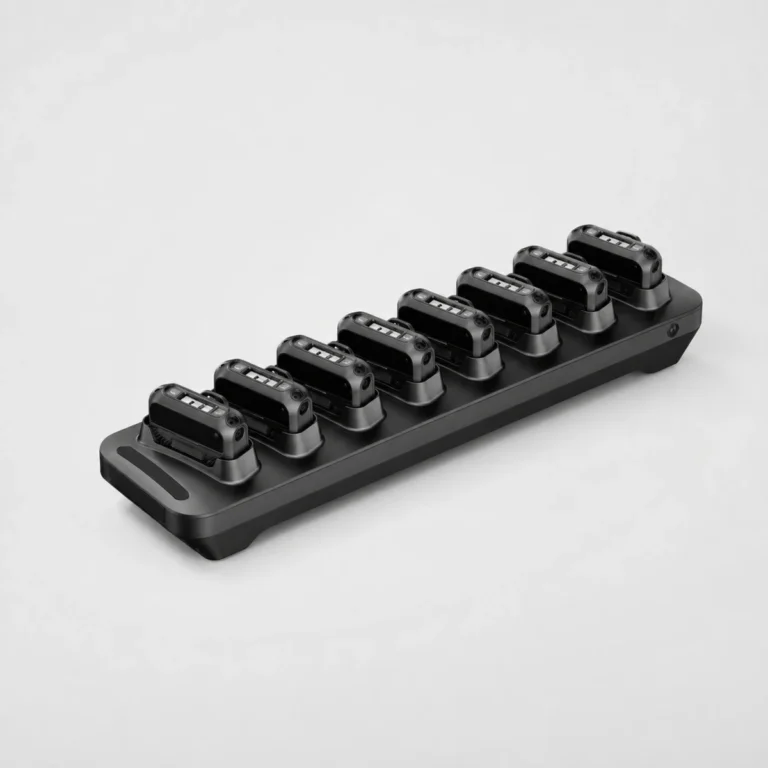
8 baysRFID
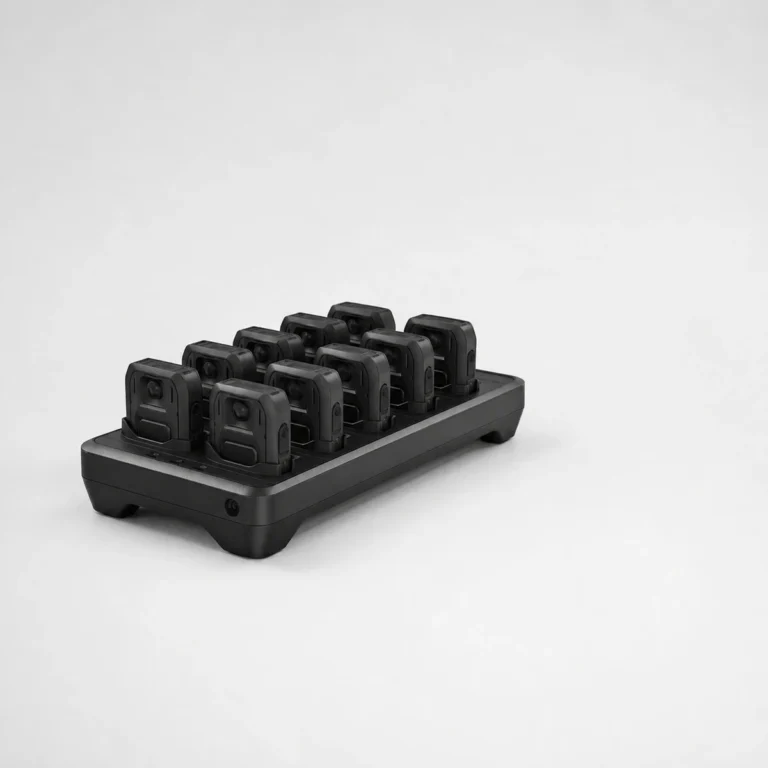
10 portsRFID
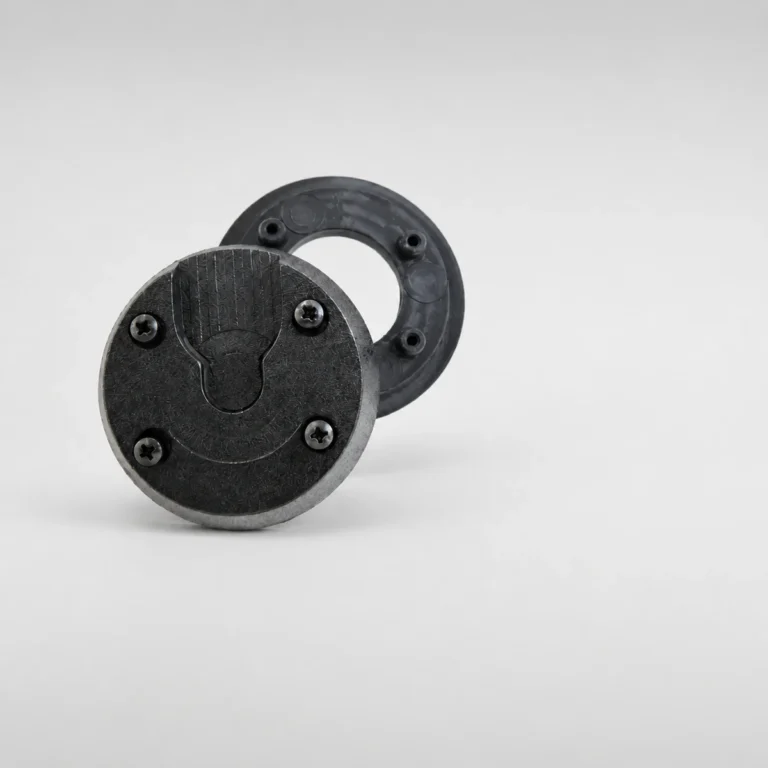
Mount
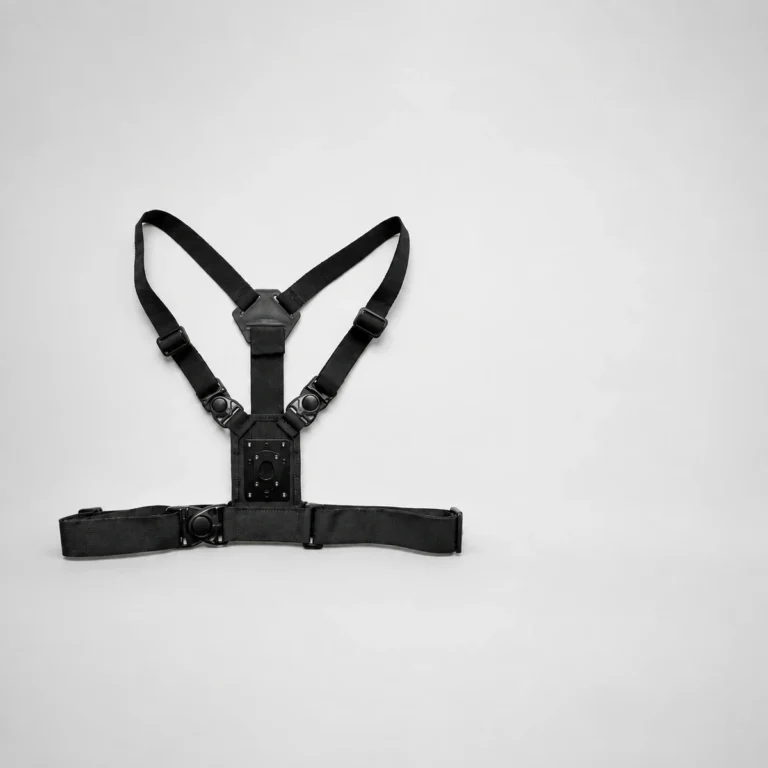
Harness
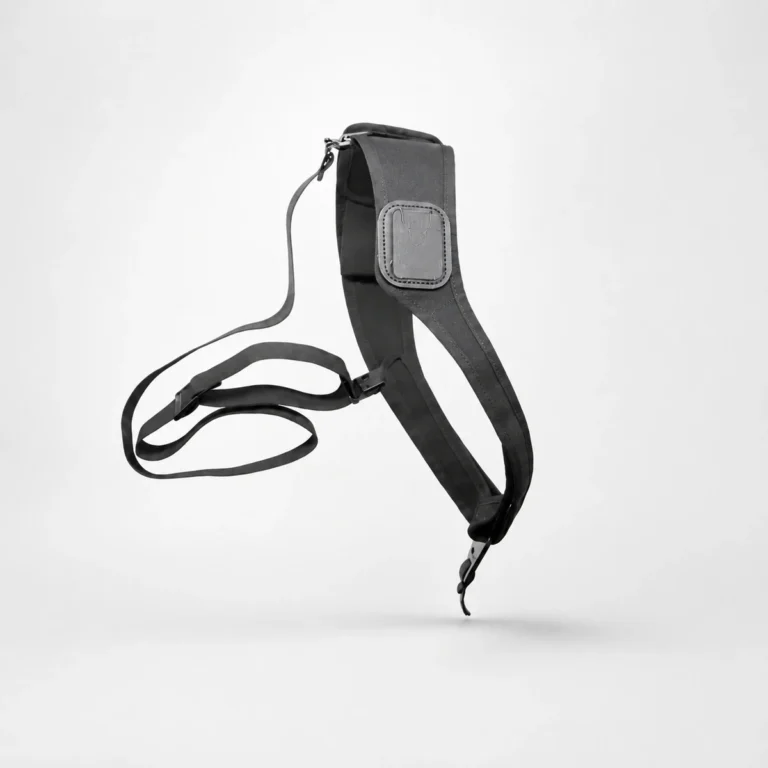
Harness
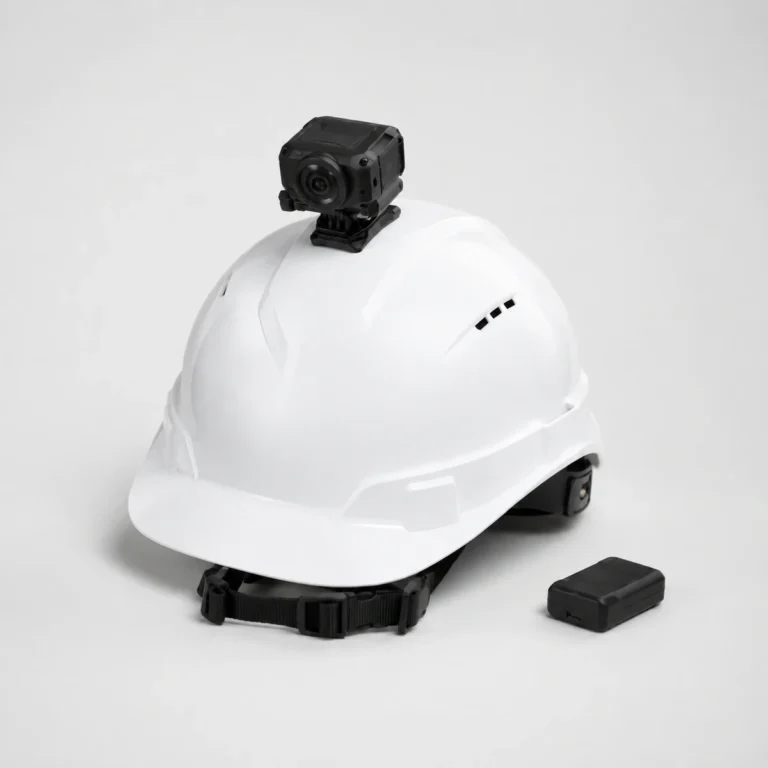
Mount
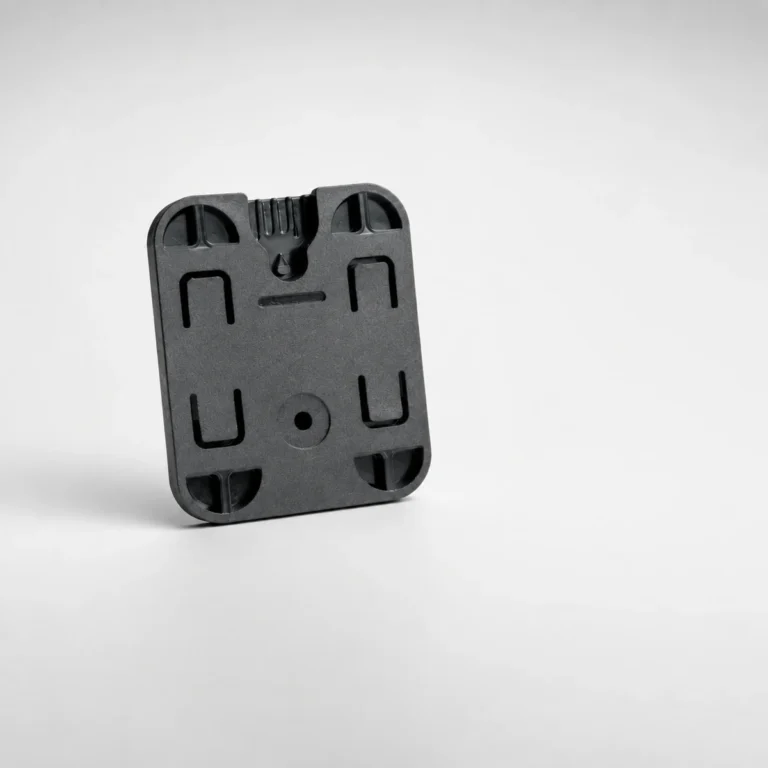
Mount
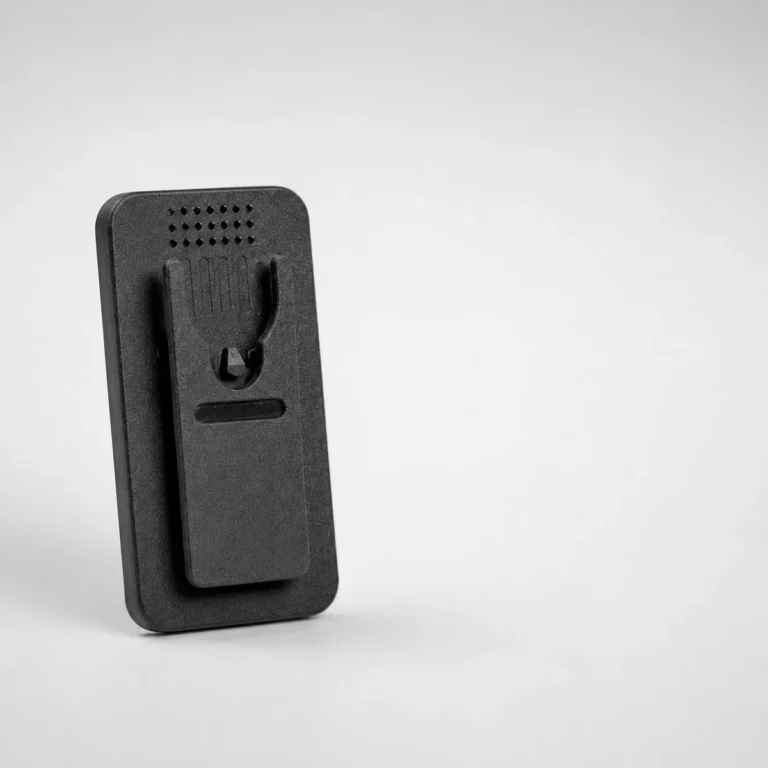
Mount
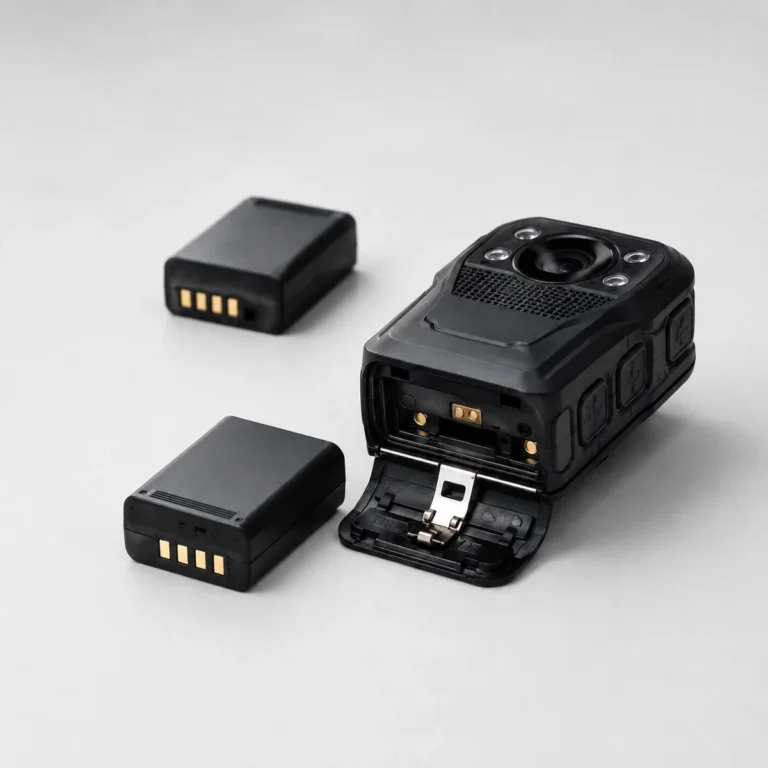
Power
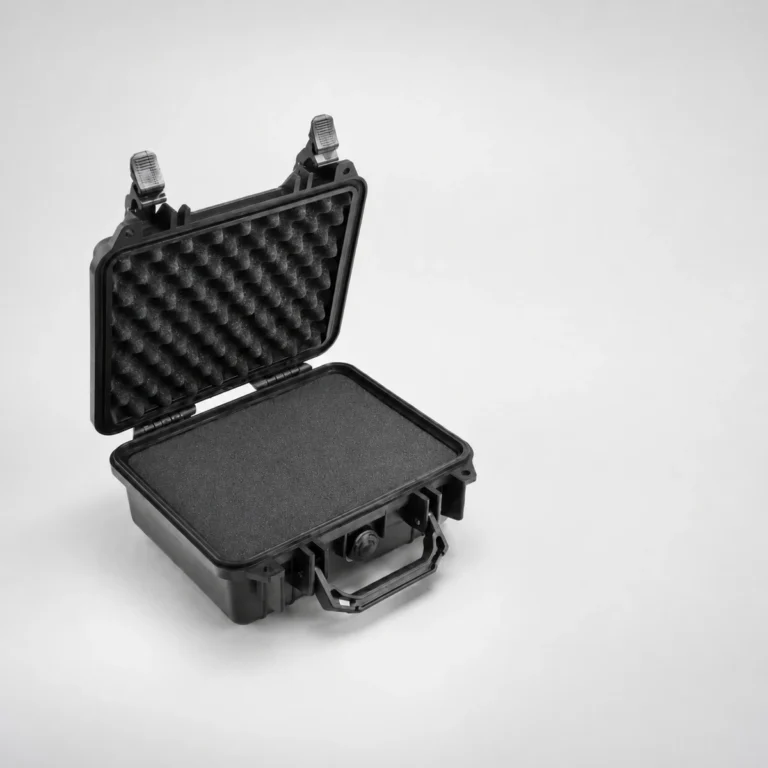
Case
Getting the footage off the camera, and finding it again later.
Step 02 Swipe for the next step
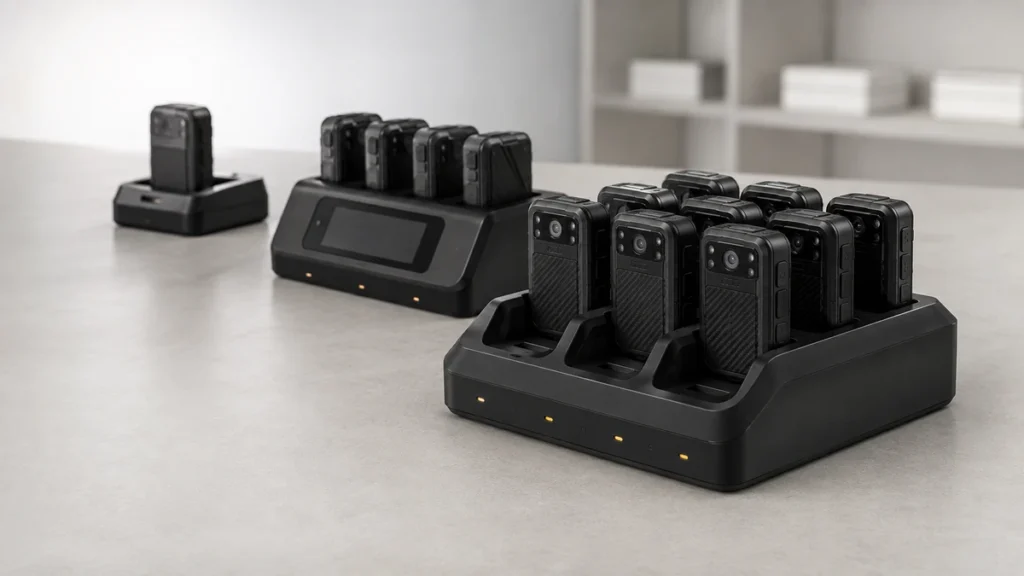
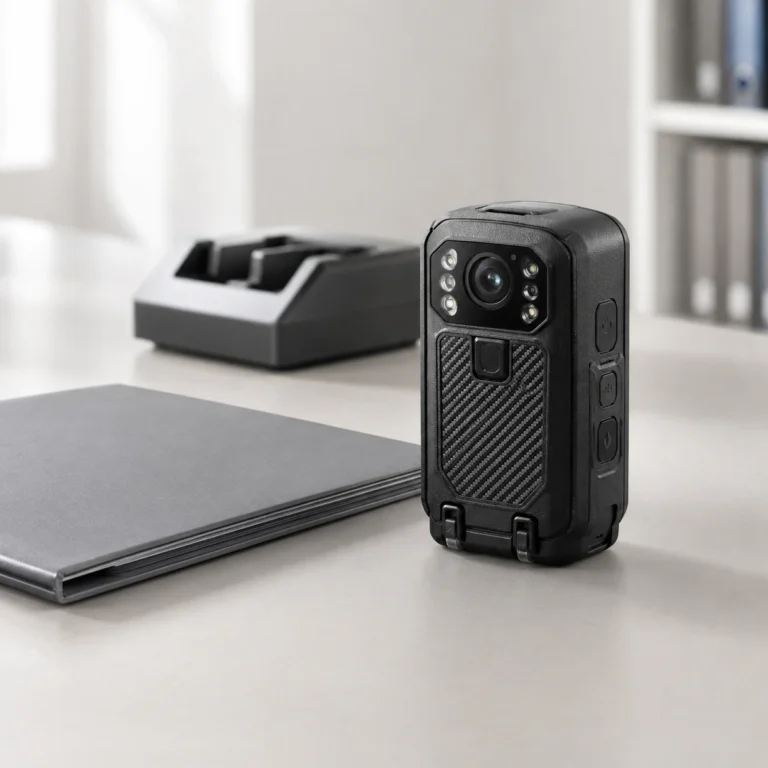
At the end of a shift the camera goes into a bay. It charges and uploads at the same time, so nobody copies files by hand.
Some docks add a screen for checking footage on the spot, or record which officer took which camera. Footage stays on servers you control, in your own country if you need that.
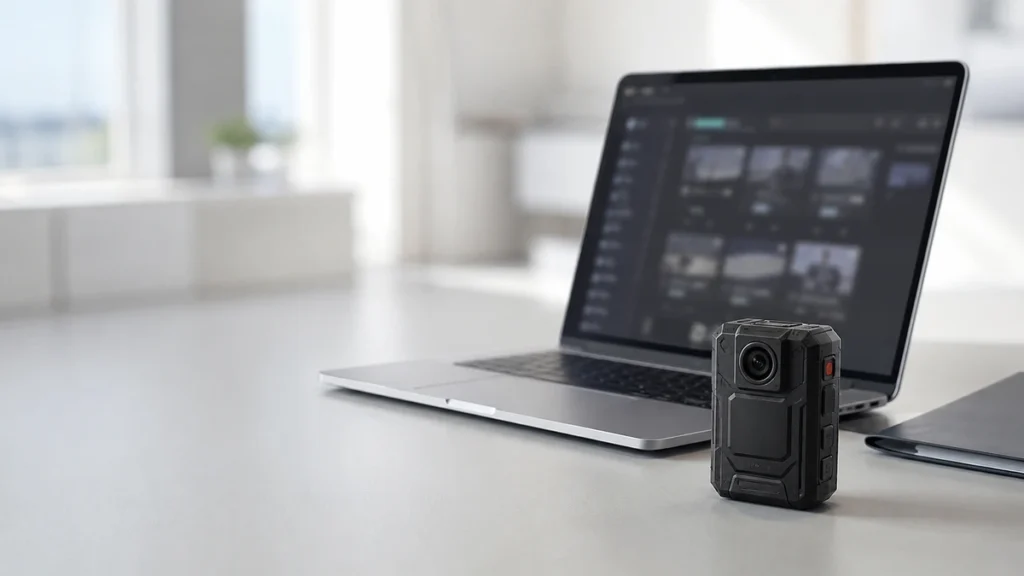
Once footage is in, you can search by officer, shift or incident, attach clips to a case, and control who sees what.
Files are deleted on the schedule you set. Every view, export and share is recorded, so you can show a court who did what.
Wherever body cameras are deployed, the same questions decide whether the footage holds up: can it be shown to be unaltered, who was allowed to see it, and were people told they were being recorded.
Our cameras, docking stations and evidence software answer those as one system. Tell us where you operate and we will specify against the rules that apply there.
What buyers ask before a specification is signed off.
No. Offline units record to encrypted internal storage and transfer everything when they are docked, with no connectivity required at any point. 4G/5G models add live streaming where operations need it, but that is an option rather than a dependency.
An offline camera records to encrypted internal storage and transfers the whole shift when it is docked, or over Wi-Fi once it reaches base. A 4G or 5G camera does the same, and also streams to a command centre while the incident is still running. Both end up on the same server.
Through a dock. The camera is placed in a bay at the end of the duty, the files transfer to your server and the camera charges at the same time. Docks are brand-specific.
On a private server you control, deployed on-premise or hosted in-country. The system is built so that evidence does not leave the jurisdiction that collected it, and there is no dependency on a third-party public cloud.
Retention is set by your policy rather than by the device. Digital Evidence Management enforces the schedule you configure, so different categories of evidence can be held for different periods and disposed of automatically at expiry.
No. Footage is written to storage the wearer has no write access to, and every file carries the operator ID and a tamper-evident timestamp. That is what makes the recording defensible later under review or in court.
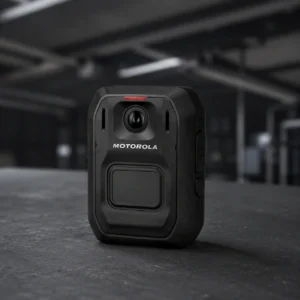
It is encrypted on the camera and at rest on the server. The Motorola Smart Dock link is AES-256. Not every manufacturer publishes what the link itself uses. For the other docks, bring us your security policy and we will confirm the transport in writing.
Within a brand, yes. The Motorola in-car systems run their own chain, alongside Motorola body-worn footage in their video management platform.
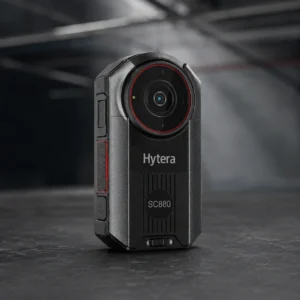
Hytera, Motorola and Xignal, which is the Recoda range. The brands are not interchangeable behind the scenes: docks, evidence platforms and streaming consoles are brand-specific, which is why the decision belongs at the start of a project.
We supply organisations. The range is built around a system: cameras with docks or recorders behind them, a server, and evidence management on top. A single camera without the rest of it does not give a buyer what these products are for.
We do not publish prices, and the reason is not coyness. Send us the shift pattern or the vehicle list and the retention obligation and we will work a real figure back from them.
Yes. Components are specified and procured separately, so a pilot can run on a small number of cameras and a single docking station, then extend without replacing anything already in the field.
Support is local, and we scope it with the order: warranty terms, spares held against the fleet, repair turnaround, firmware updates and who to call. For a deployment of any size we recommend holding a percentage of the fleet as spares, because a camera in for repair is a post uncovered. Tell us the fleet size and the shift pattern and we will put the support model in writing alongside the quotation.
Tell us where the cameras will be deployed: the sector, the shift pattern, and whether a control room needs to watch live. We will demonstrate the models that fit, with the docking and evidence management behind them.
Complete body-worn camera systems for government and enterprise operators across the UAE and GCC.
© 2026 BodyCamera.ae
Two ways to deploy. Browse below.
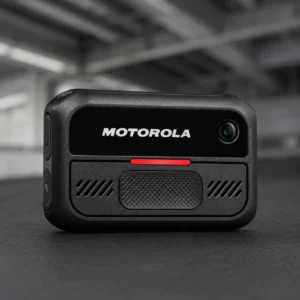
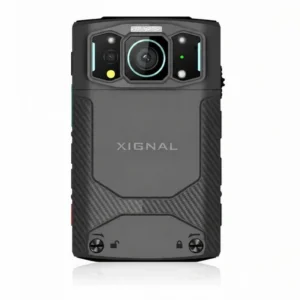
Tell us where the cameras will be deployed and we will arrange a demonstration with the right models for your sector.