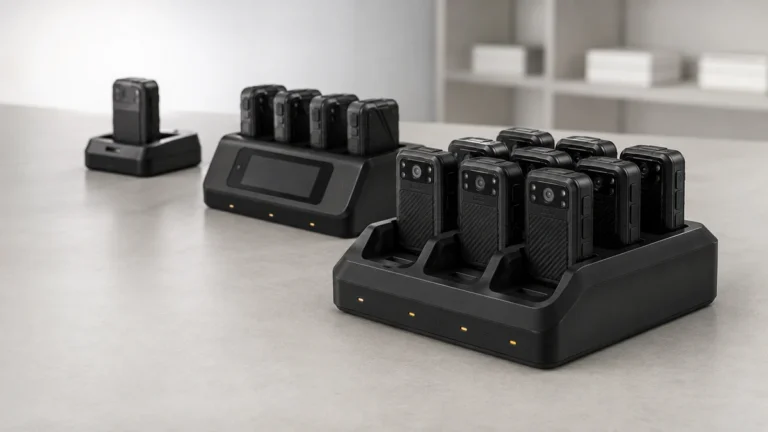
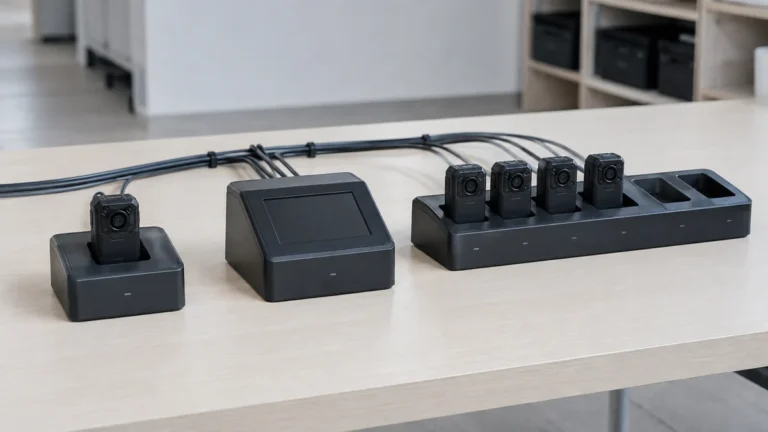
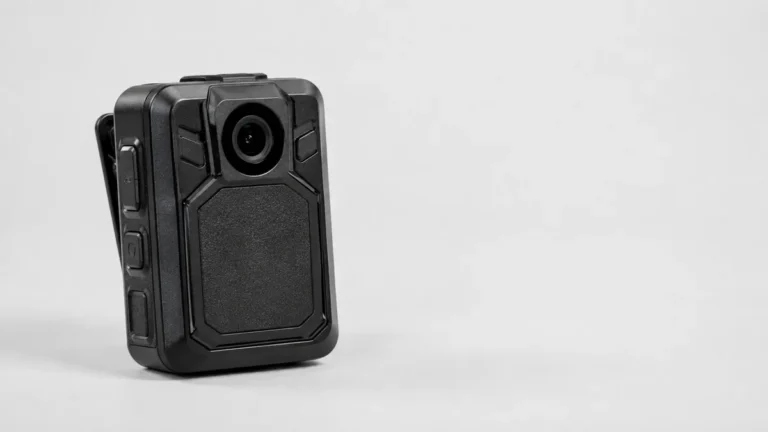
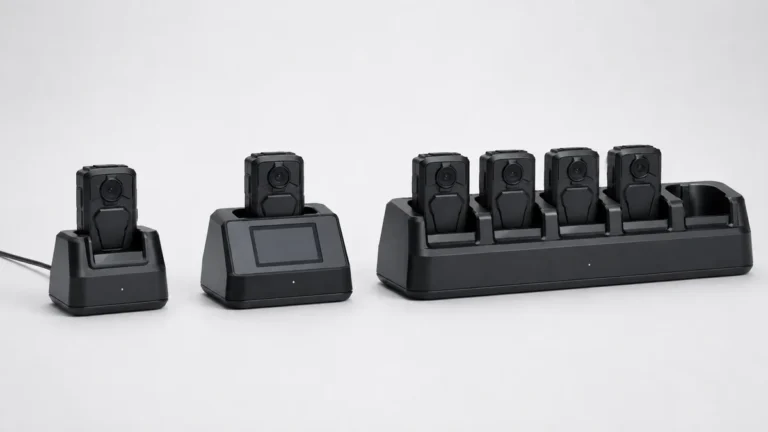
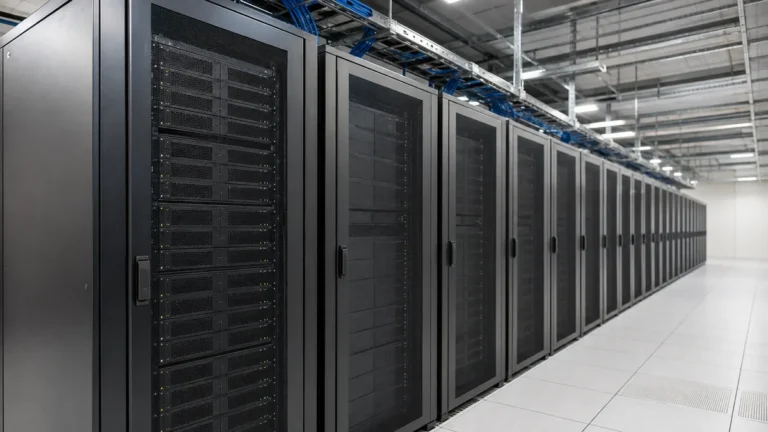
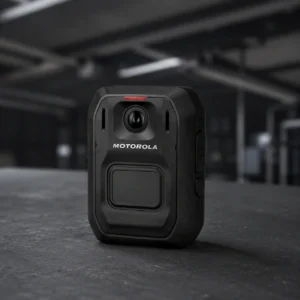
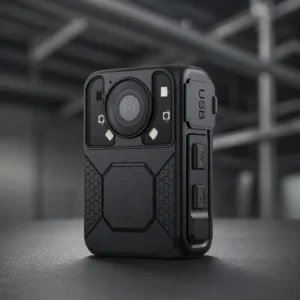
Four steps, and nobody has to do any of them by hand.
01
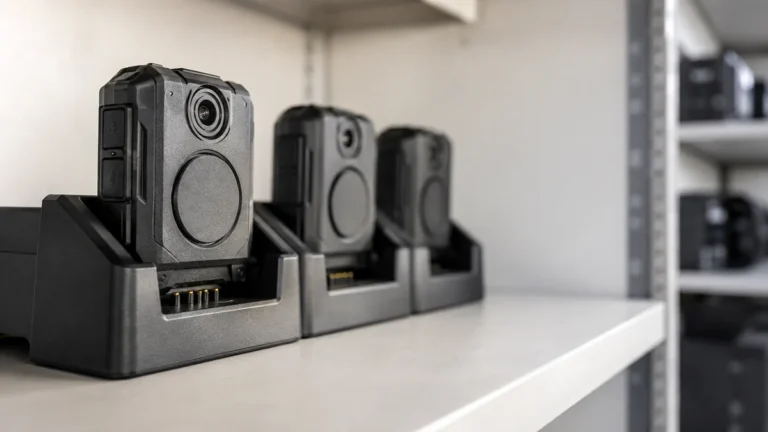
Into the bay
02
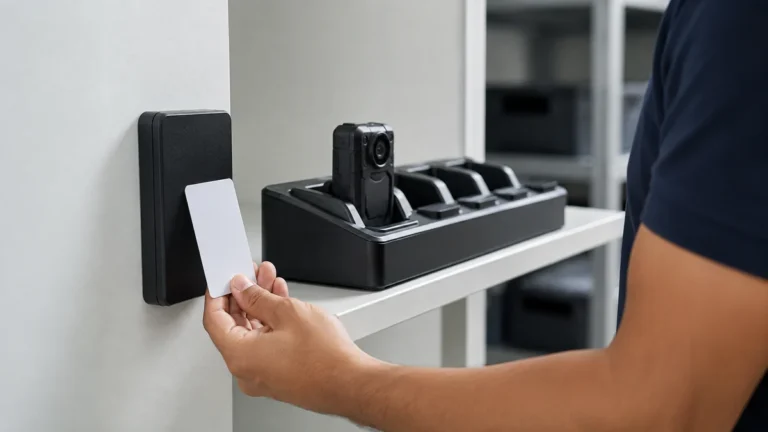
The dock knows whose it is
03
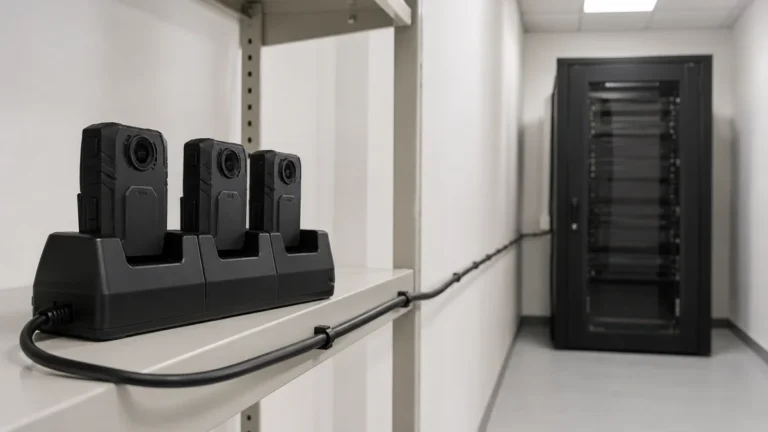
Footage moves to your server
04
Ready for the next shift
Step 1 of 4Swipe for the next step
The camera drops into a bay and the contacts do the rest.
Power and data over the same contacts
No cable, no memory card
One action ends the shift
The dock recognises the camera.
On some docks, the card tapped at pickup ties the officer to the camera
Nothing typed in by hand
The pairing holds for the whole shift
The files move across with their details attached. Nothing is renamed and nothing is dragged between folders.
Device and operator ID travel with the file
Start and end time recorded
Arrives searchable by officer, device and time
The dock clears the camera and charges it.
No one has to remember to wipe it
Back on the rack before the next shift
Integrity of footage
Challenge a recording and two questions follow: who has had the file, and whether it is the one the camera made.
Hashed on extraction
Each file gets a hash on the way off the camera, so you can check later whether anything changed.
Who recorded it, and when
Operator, device and time go in as the file transfers, and no one can edit them after. Position too, on cameras with GPS.
The original stays put
Clips and exports are copies. The wearer has no write access to where the source sits.
Every action is logged
Views, shares, exports and access changes all reach the audit trail, with the account that did them.
Where the footage sits, and how much of it there is
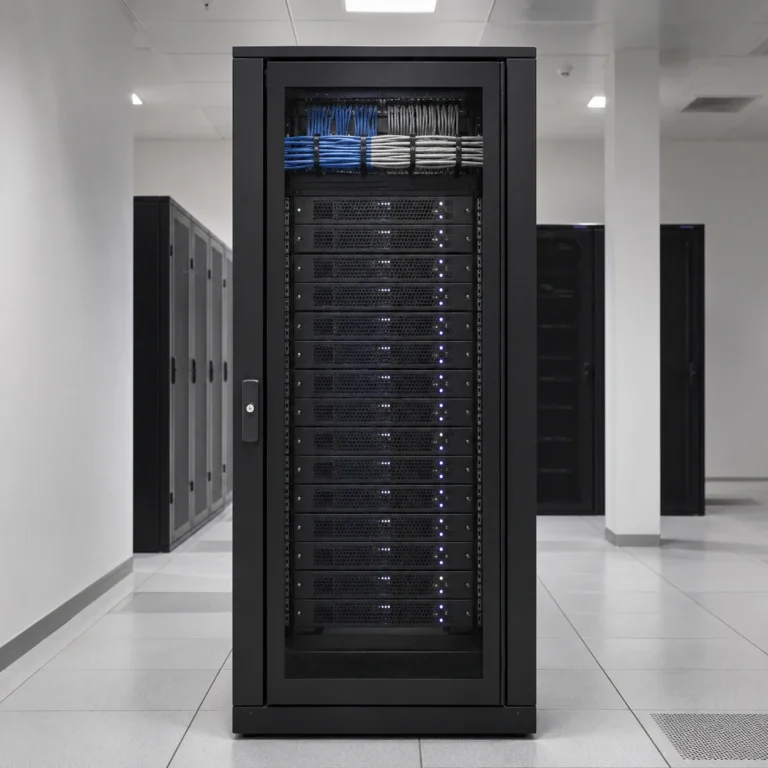
The dock holds it while it moves. The server is where it actually lives.
On the camera
Enough to carry a shift home. The dock clears it, so it never builds up.
At the dock
The simple units write straight to the machine they are plugged into. Some docks have a drive of their own.
On the server
How much you need here depends on your headcount and your retention policy.
A ten-hour shift is broadly 30 to 60GB per camera. At two recorded hours per camera per shift, one shift a day:
Cameras
30 days
60 days
90 days
10
1.8 to 3.6TB
3.6 to 7.2TB
5.4 to 10.8TB
25
4.5 to 9TB
9 to 18TB
13.5 to 27TB
50
9 to 18TB
18 to 36TB
27 to 54TB
100
18 to 36TB
36 to 72TB
54 to 108TB
Two recorded hours on a ten-hour shift is a working assumption. We size the real number from your shift pattern.
Private server
Footage lands on infrastructure you own
Two routes, and the footage stays in the UAE either way.
On-premise: the server sits in your own rack. Hosted in-country: a UAE data centre, if you would rather not run the hardware.
Dubai Executive Council Resolution No. 13 of 2026 sets the conditions for footage used in documenting violations, including for private companies contracted by government entities.
Encrypted on the camera, across the dock and at rest
Retention enforced by the server, not by hand
Authorised users and access levels on your own directory
On a private server you control, deployed on-premise or hosted in-country. The system is built so that evidence does not leave the jurisdiction that collected it, and there is no dependency on a third-party public cloud.
Within a brand, yes. Across brands, there is no single console, and it is worth saying so plainly. Where a deployment covers officers and vehicles from the same manufacturer, they appear in one place.
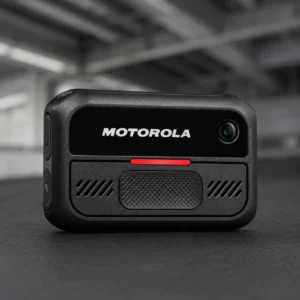
It is encrypted on the camera and at rest on the server. The Motorola Smart Dock link is AES-256. Not every manufacturer publishes what the link itself uses.
Yes, and most UAE deployments do. The evidence platform sits on your hardware or on hosting inside the country, which is what keeps the footage in the jurisdiction that collected it and satisfies the data residency line in most government tenders.
Retention is set by your policy rather than by the device. Digital Evidence Management enforces the schedule you configure, so different categories of evidence can be held for different periods and disposed of automatically at expiry.
Bring us your shift pattern, not just a camera count
How many officers finish at once, in how many places, and how long you have to hold the footage. That is enough to specify the docks and size the server.