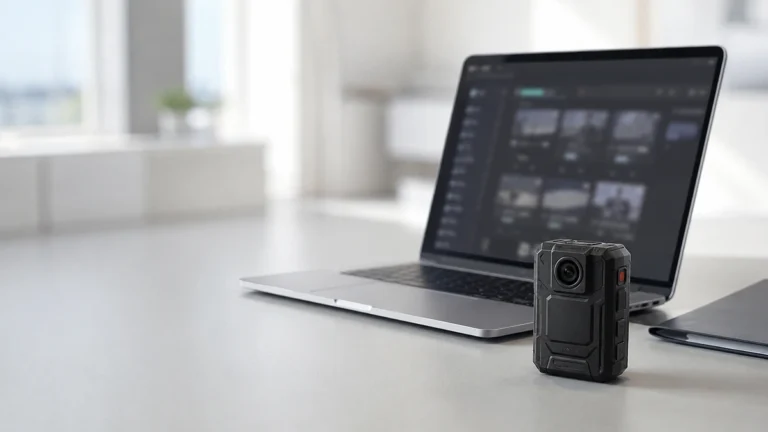
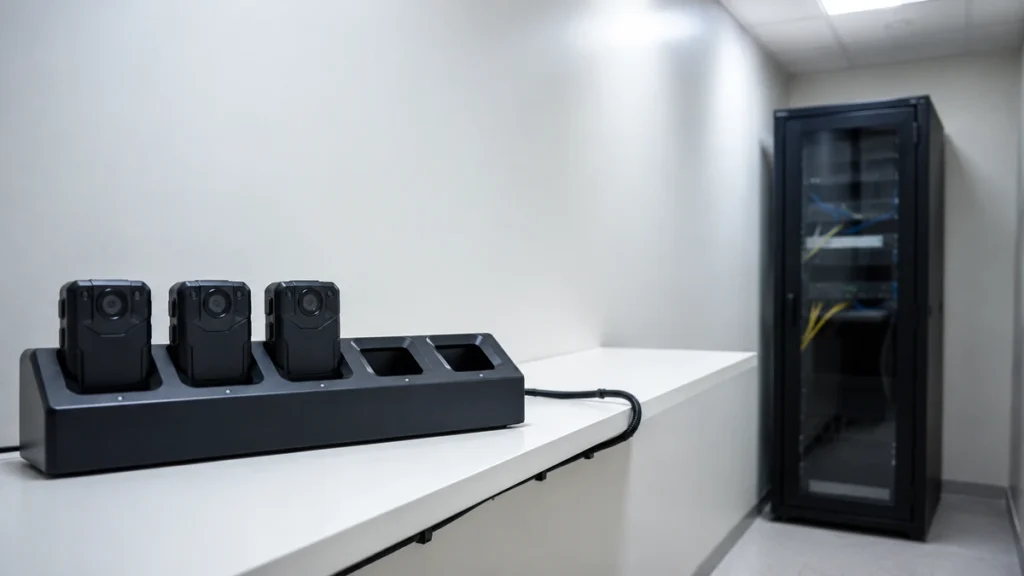
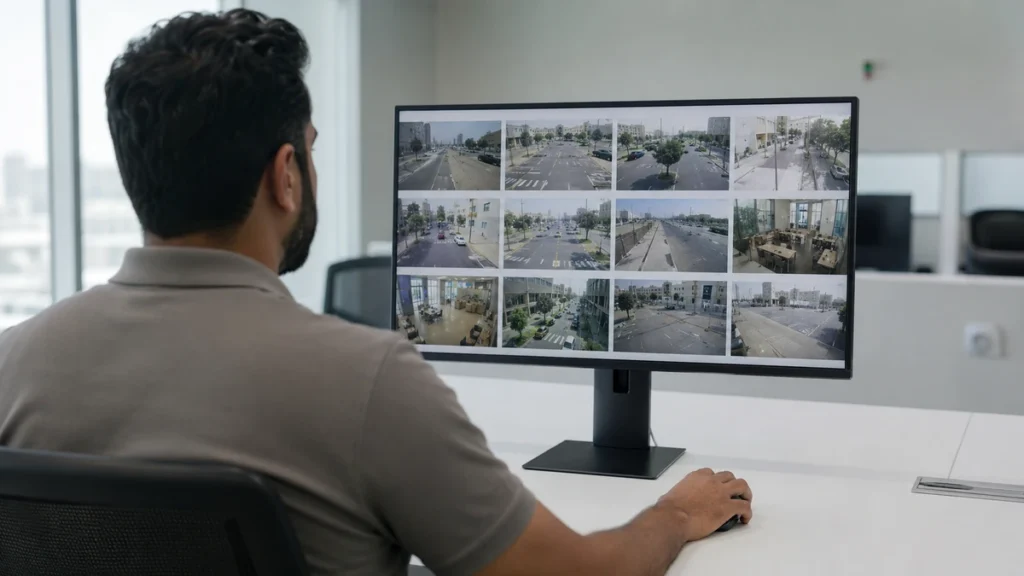
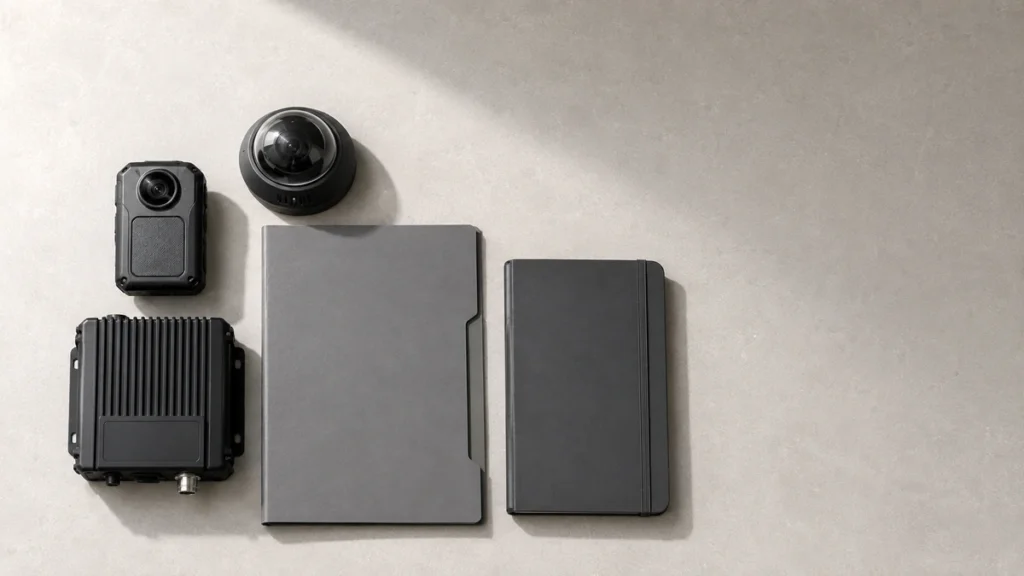
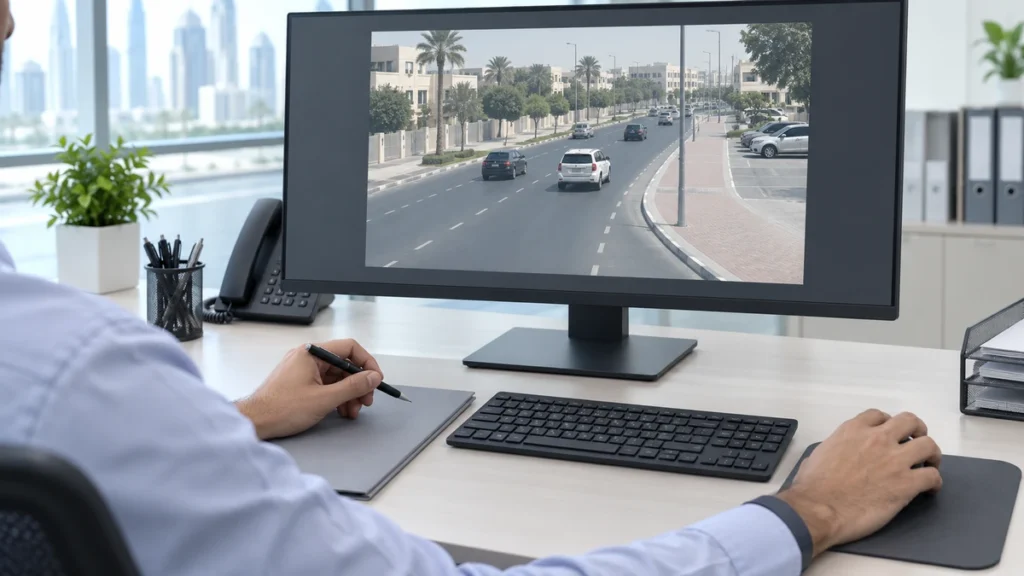
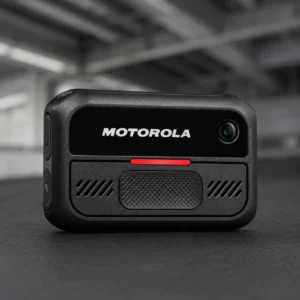
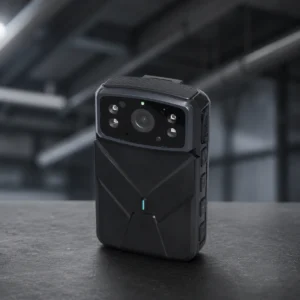
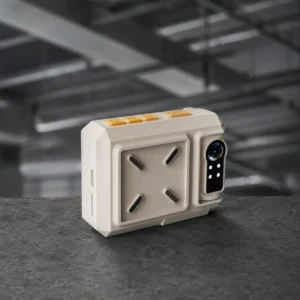
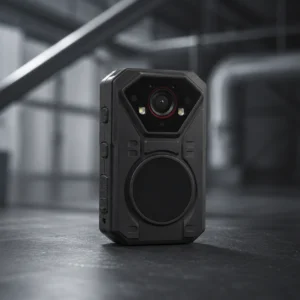
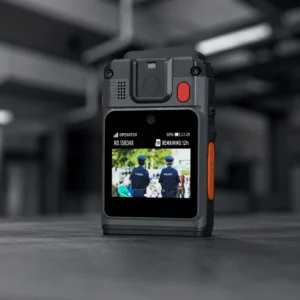
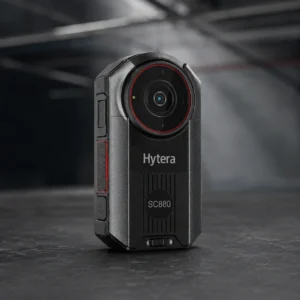
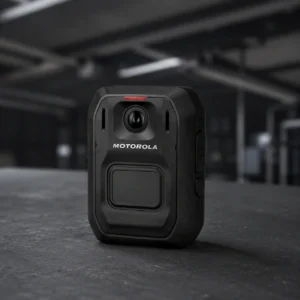
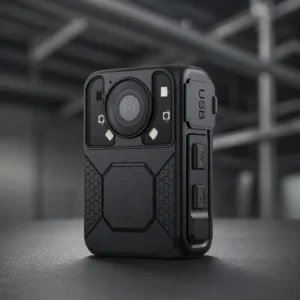
Four steps, from the footage arriving to the day it is deleted.
01
It lands on its own
02
You find it in seconds
03
It becomes evidence
04
Release it, or let it expire
Step 1 of 4Swipe for the next step
Put the camera in the dock and the footage moves across on its own. Nobody copies anything.
The officer, camera and time come with it
Nothing to remember at the end of a shift
Search by officer, vehicle, date or shift, and watch it straight away.
One search covers every camera
Watch it in your browser, nothing to download
Everything from one incident is held together, whatever recorded it.
Video, photos, audio and notes in one place
Anything added later joins the same record
Footage only goes out to named people, for a reason, with a record of who approved it.
Only certain roles can send footage out
Nothing on an open case gets deleted
What the DEM software does
These come as standard, and are set up around the way your team works.
01
Finding footage
Every recording stays findable for as long as you keep it.
02
Who touched what
The software keeps its own record of who did what, and when.
03
Access by role
Access follows the role, so people see only what they should.
04
How long it is kept
You set how long footage is kept, and the software applies it.
05
Reports and exports
Records and file lists can be exported whenever you need them.
06
Camera and dock status
See which cameras are in use and how much space is left.
What you need to run the DEM software
We quote the software with the cameras and the docks. Two things are left to decide.
01
On your own servers, or hosted in the UAE
Live footage and docked footage end up in the same place, as long as the cameras come from one maker.
Runs on your own servers or in the cloud
Docks hold on to footage if the connection drops
One site, or spread across several
Backed up to a second server
02
How much storage you need
Four things decide it. None of them need a site visit.
How many officers are on shift
How many hours you record, and how long you keep them
How many need to hand in at the same time
Who needs to see what
Some things vary by system: blurring faces and plates, proof a file is unchanged, one login, and linking to your case system. Tell us what you need and we will check.
Chain of custody
Dubai law sets rules for handling recordings. We answer each one below.
What the law asks for
What the software does
Recordings kept electronically, encrypted, and safe from tampering
The original is never changed, and you work from copies. Footage is encrypted while it moves and while it is stored.
Stored to Dubai Electronic Security Centre rules, with set deletion dates
You set how long each kind of footage is kept. Open cases are held back.
A record of who is allowed in, and what they can see
The software holds that list, and every change to it is recorded.
No copying recordings onto personal devices
Everything is done inside the software, and only named people can send footage out.
Sharing only with written approval, and only for the reason given
A named person approves it, the reason is written down, and both are recorded.
This is Dubai Executive Council Resolution No. 13 of 2026. It applies to enforcement officers with judicial powers in Dubai, and to contractors working for government bodies.
Digital recordings are accepted where they were lawfully obtained and can be shown not to have been altered. The record of who did what to the file is how you show it.
Within one manufacturer, yes, and both report to the same server. Across manufacturers they stay separate, so decide which you are standardising on early.
Agree the cost, the notice period and the file format before you sign. It is easier to settle at the start than at the end.
See the whole thing running
We run the whole chain in front of you: cameras, docks, server and software. Tell us your officer numbers, your shifts and how long you keep footage, and we will put models against it.